

First English words, played on the Home Screen
VocabPeek Junior: First Words
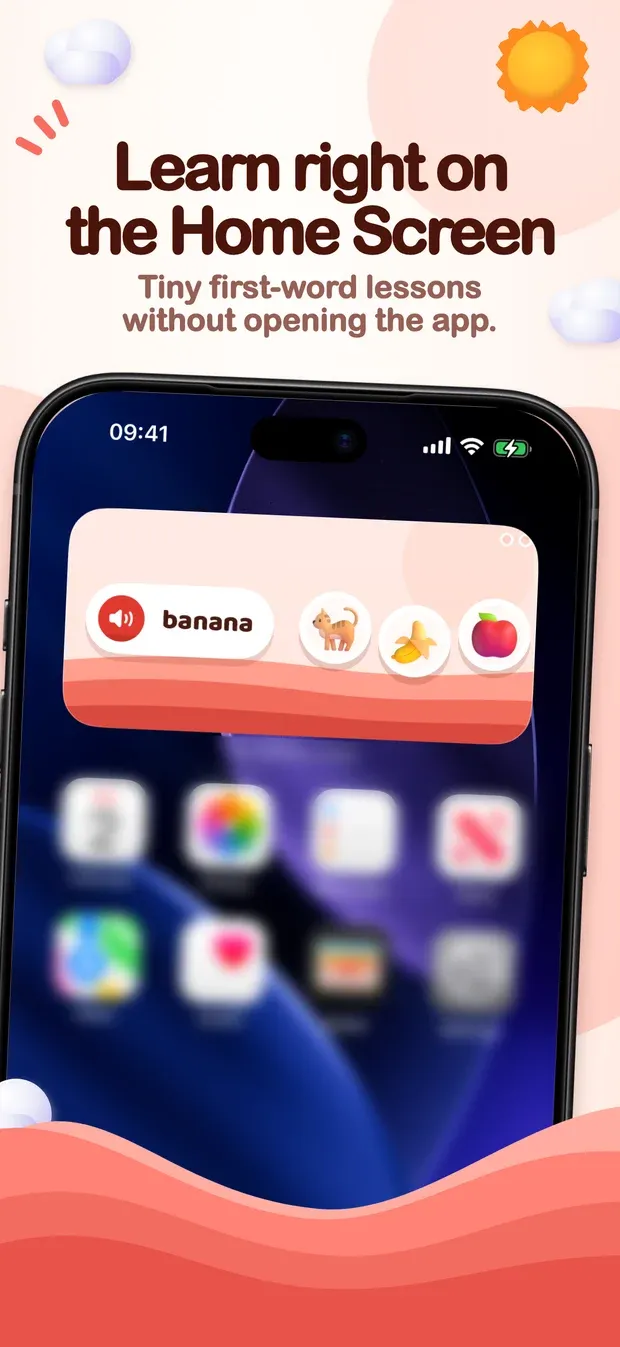
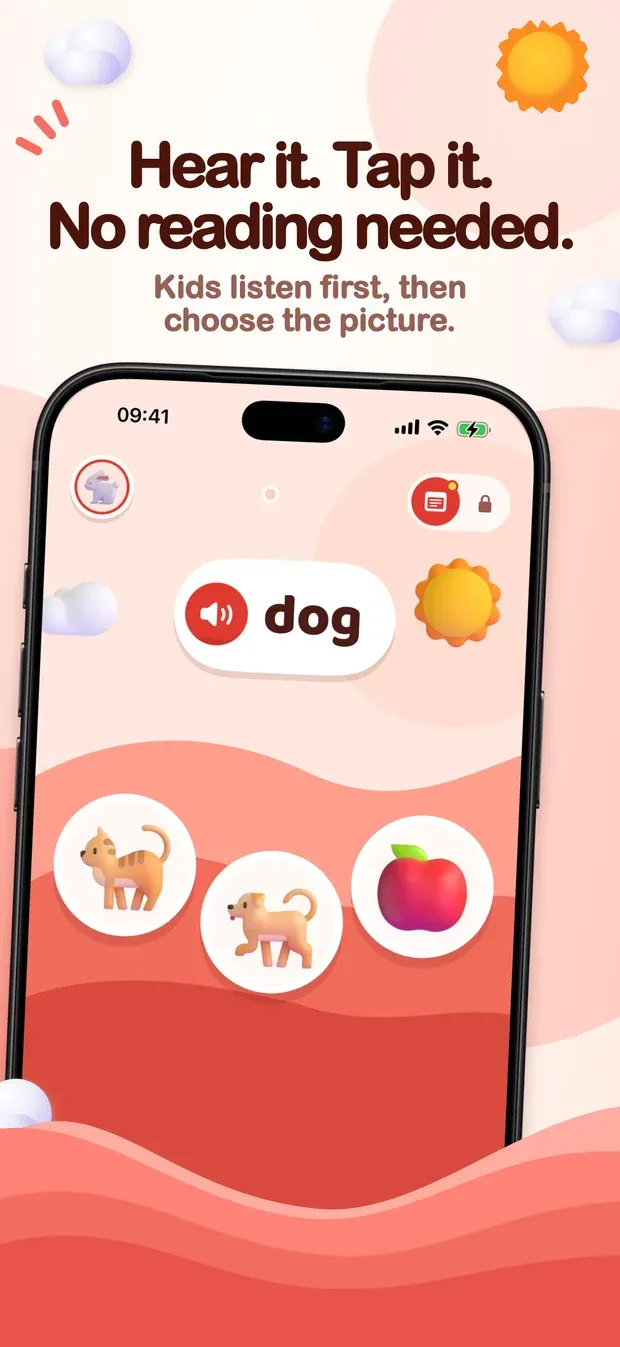
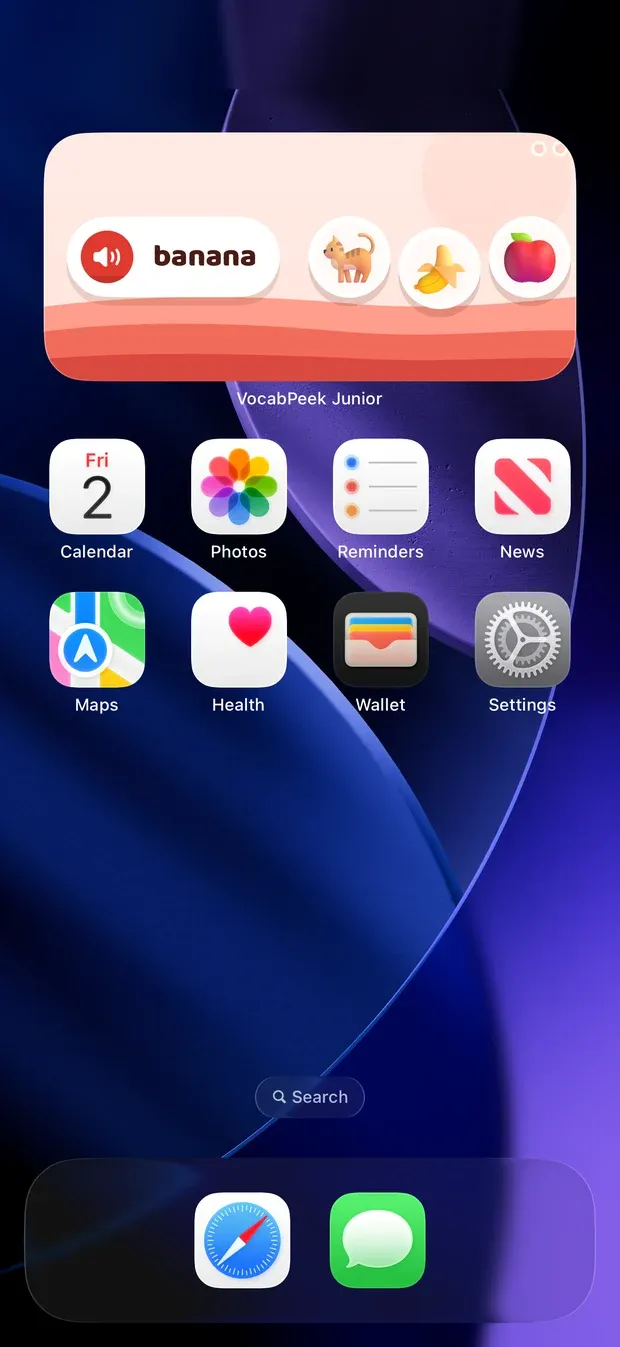
VocabPeek Junior teaches first English words to children aged 2 to 5, on the family iPhone or iPad. A widget on the Home Screen says a word — dog — and the child taps the dog out of three pictures. There is nothing to read, and no lesson to sit down for: a round is three words, about a minute, played before the child opens anything else.
On the App Store for iPhone and iPad, iOS 18 and later, in the Kids category for ages 5 and under. Every word and every feature is free for now.
Played on the widget
The widget is the product. It comes in the medium and large sizes on iPhone and iPad, and extra large on iPad, and the child plays on it directly:
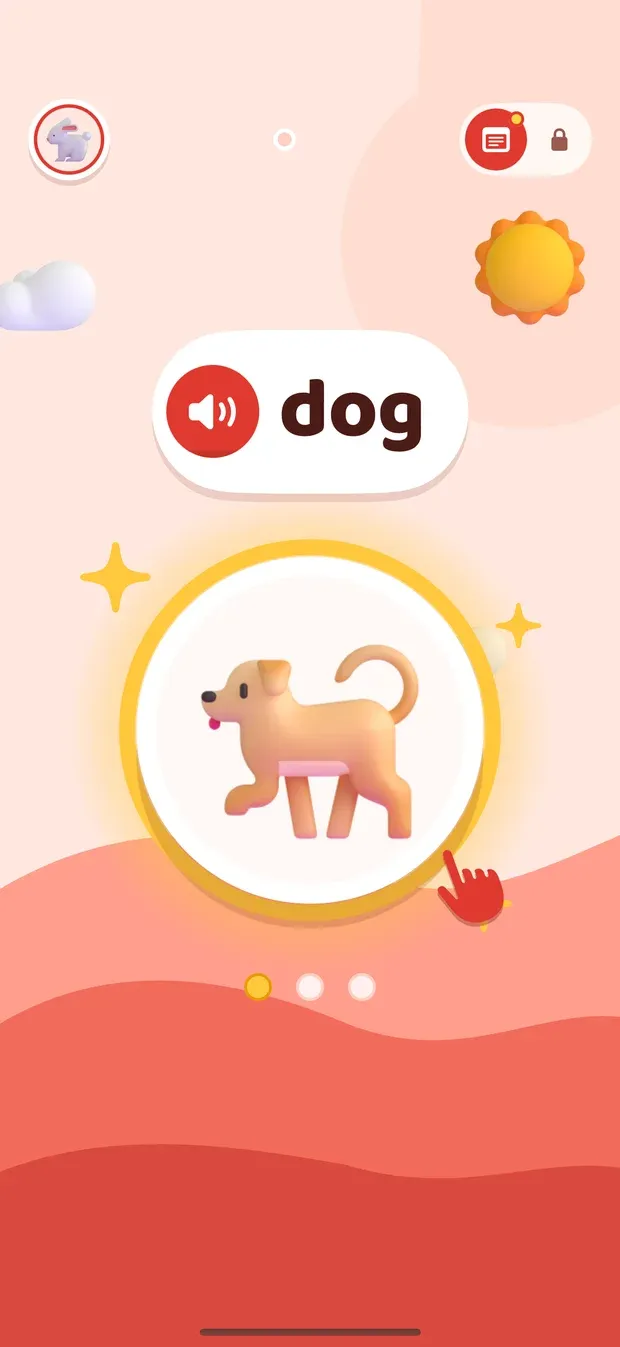
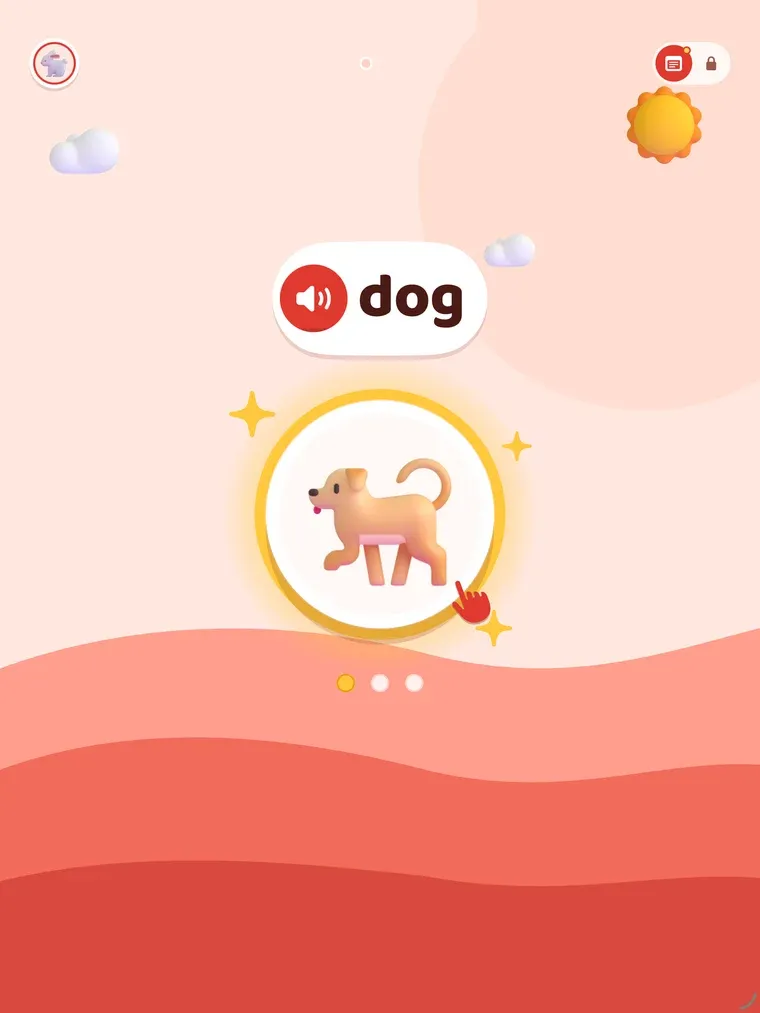
- A learning card introduces a new word: one big picture, the word in large letters, and the word spoken when the picture is tapped.
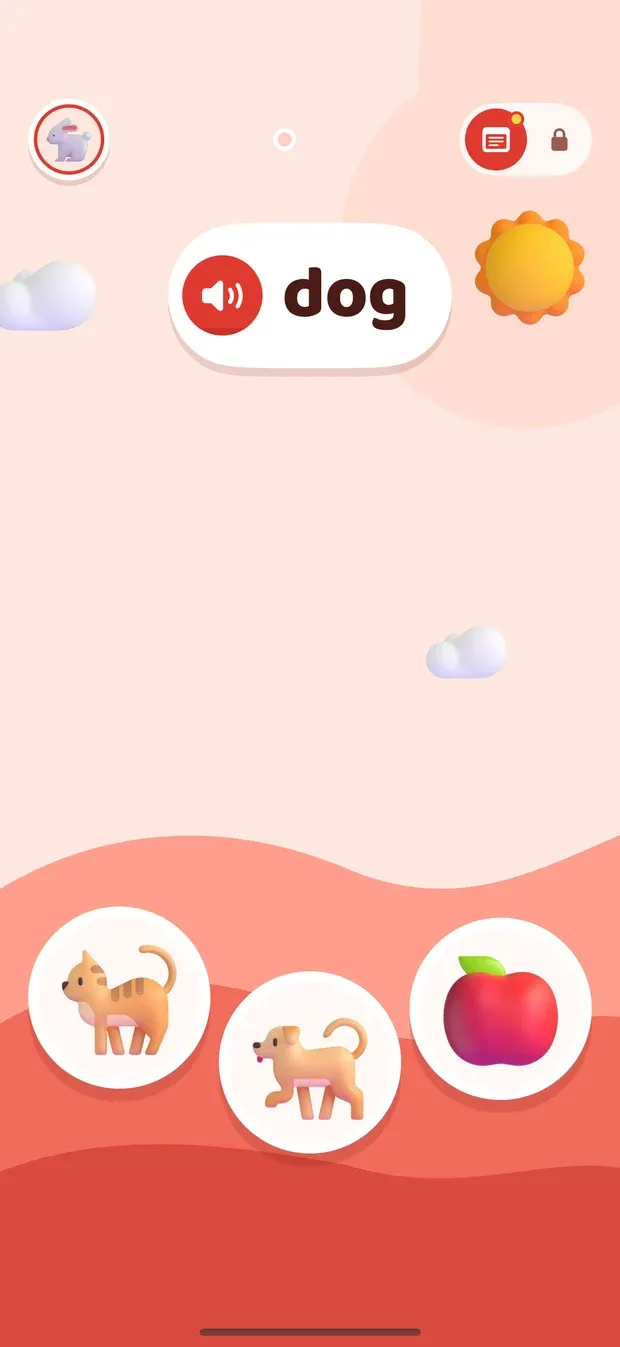
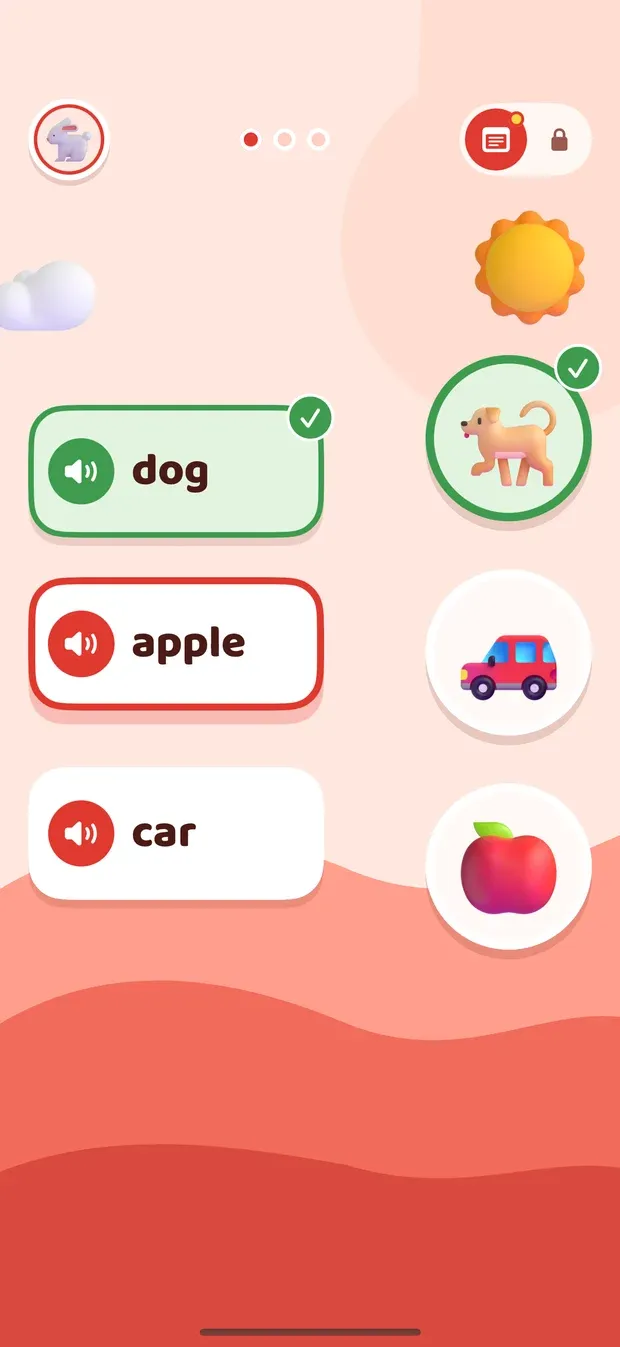
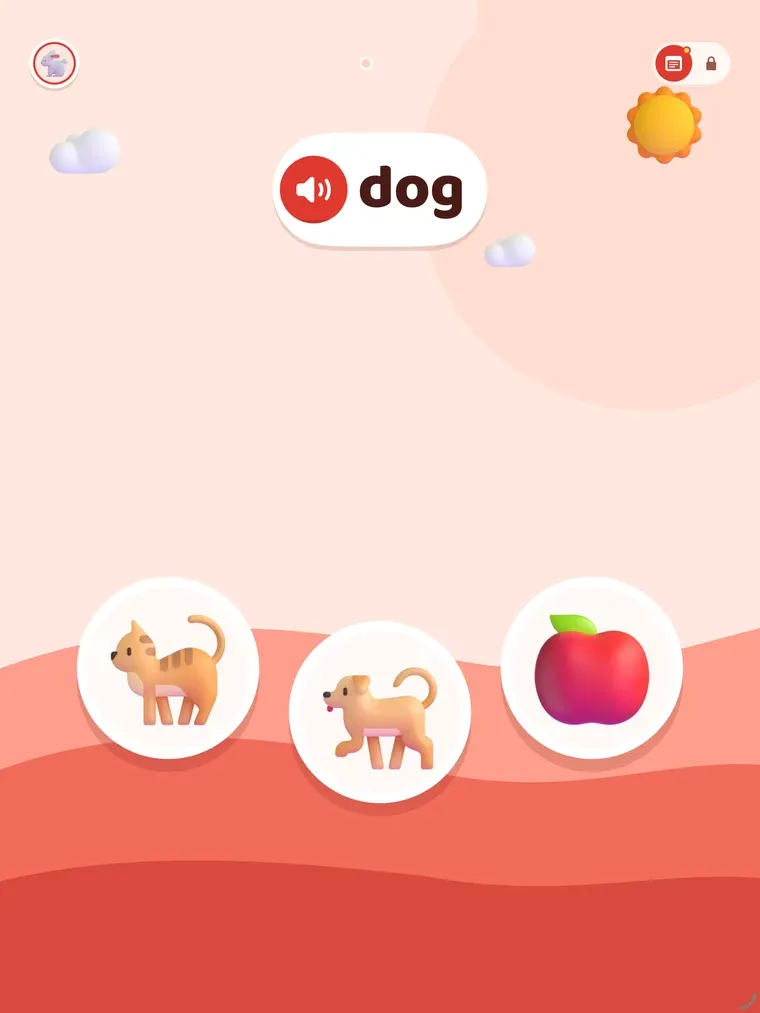
- A quiz card says a word and shows three pictures. A wrong tap turns that picture pale, the word is spoken again, and the child keeps going until they find it. One picture means listen, three mean find it — the child can tell the cards apart without reading.
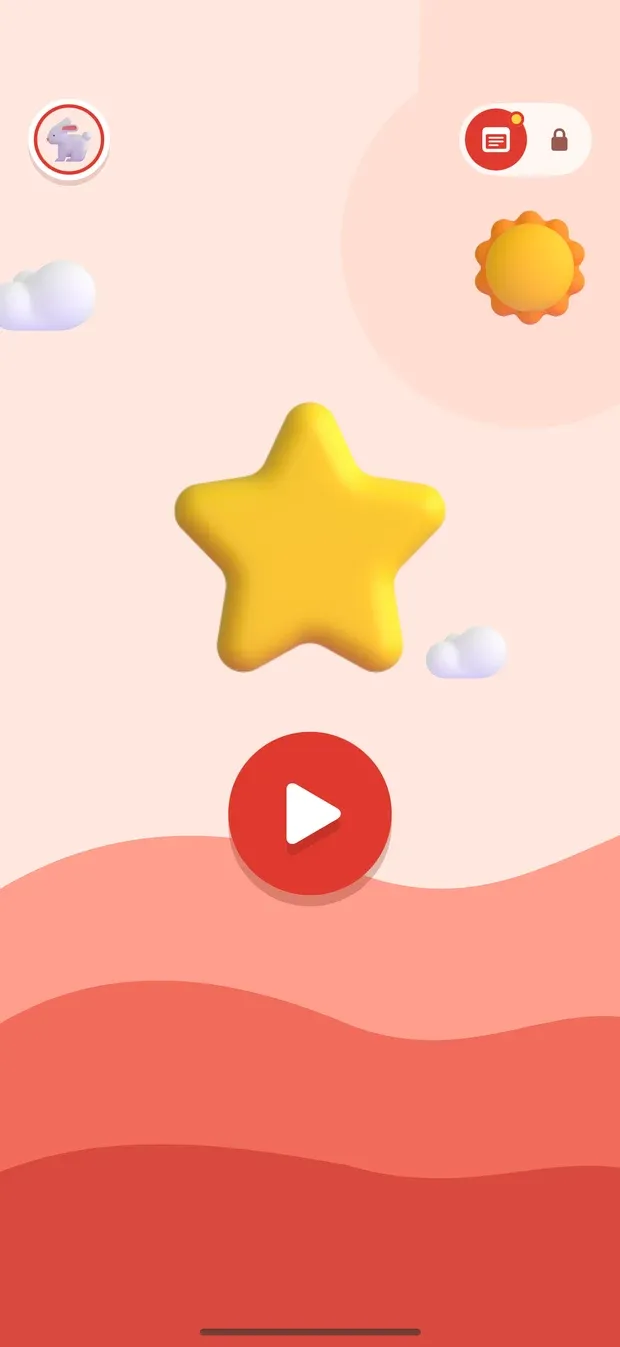
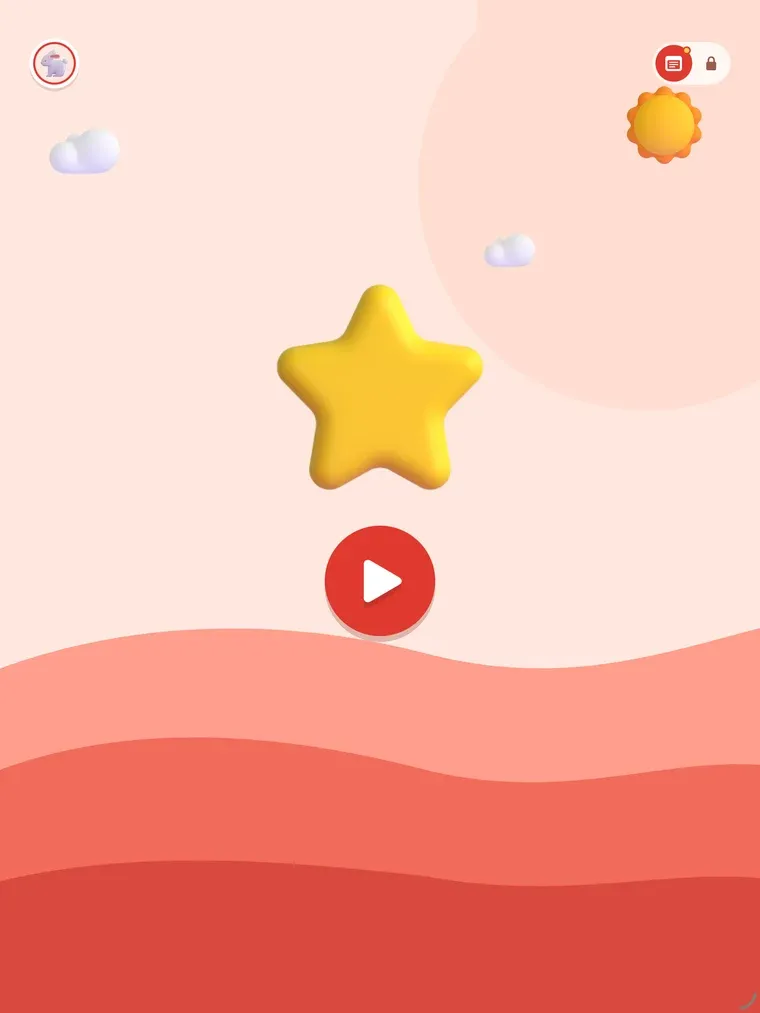
- A round is three words, then a star and a button to play more in the app. The next round on the widget opens two hours after the last one finished, so the words are spread across the day rather than crammed into one sitting.
A word the child may already know is asked first, before it is taught. Get it right straight away and the learning card is skipped.
Spaced for small children
Words come back on a schedule built from research on how young children keep new words: a correct answer straight away does not mean a word is learned, spacing beats repetition in one go, and sleep helps a word stick. So a word returns after a few hours, then a day, three days, a week, and later at longer gaps to keep it.
- A miss sends a word back a few hours, not into the next card, where the child would just be remembering the answer they saw a moment ago.
- Pairs the child confuses — cow and horse — are put on the same card until the child picks the right one twice in a row.
- New words wait until the child is keeping up with the ones they are learning. A child who is finding it hard gets fewer new words without anyone changing a setting.
The words are 418 everyday English words in 32 topics — animals, food, colours, numbers, letters, the body, vehicles, feelings and more — added in the order young children usually learn them, easy first.
A closer look on iPhone
01 / 10
Adding the widget
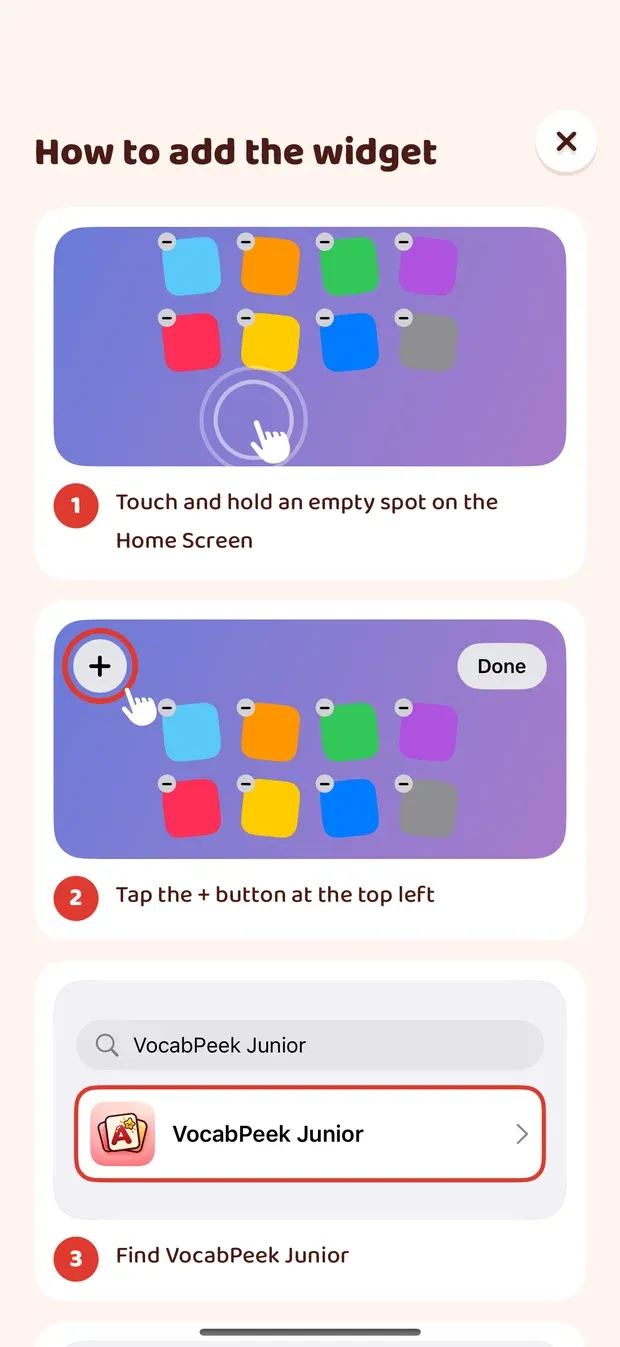
The parent sets the widget up once. The app shows how, step by step.
02 / 10
On the Home Screen
The word is spoken, and the child taps its picture right on the widget, without opening the app.
03 / 10
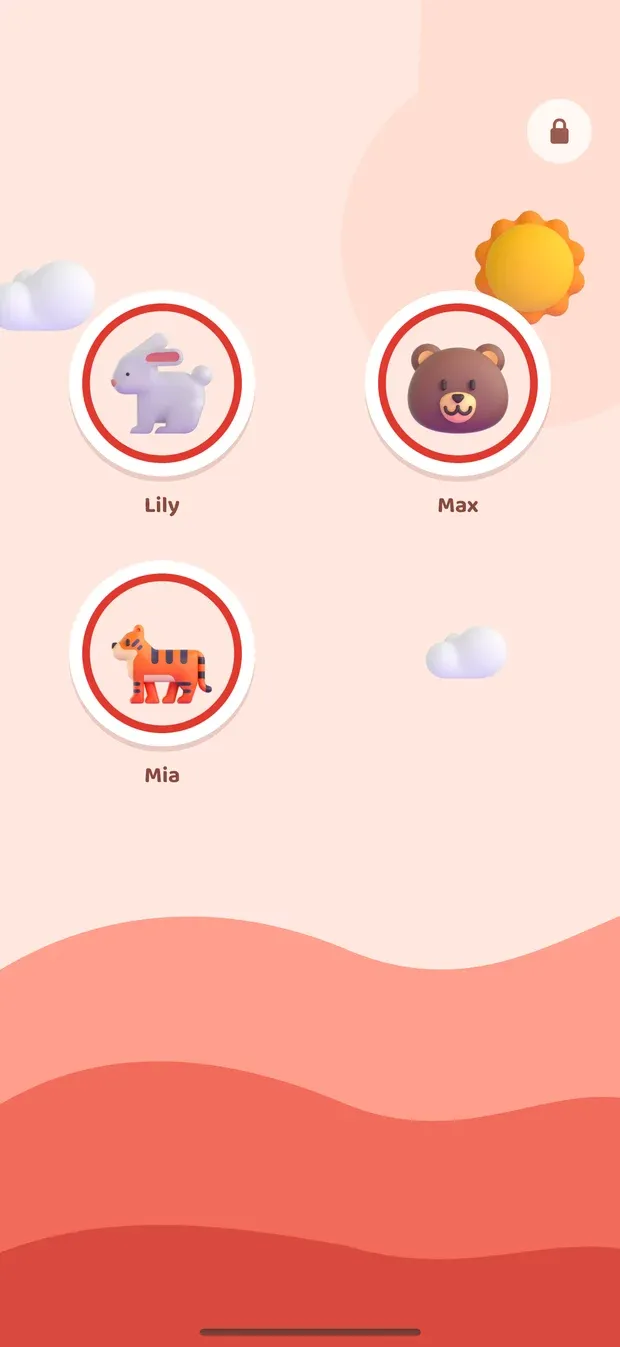
Who is playing
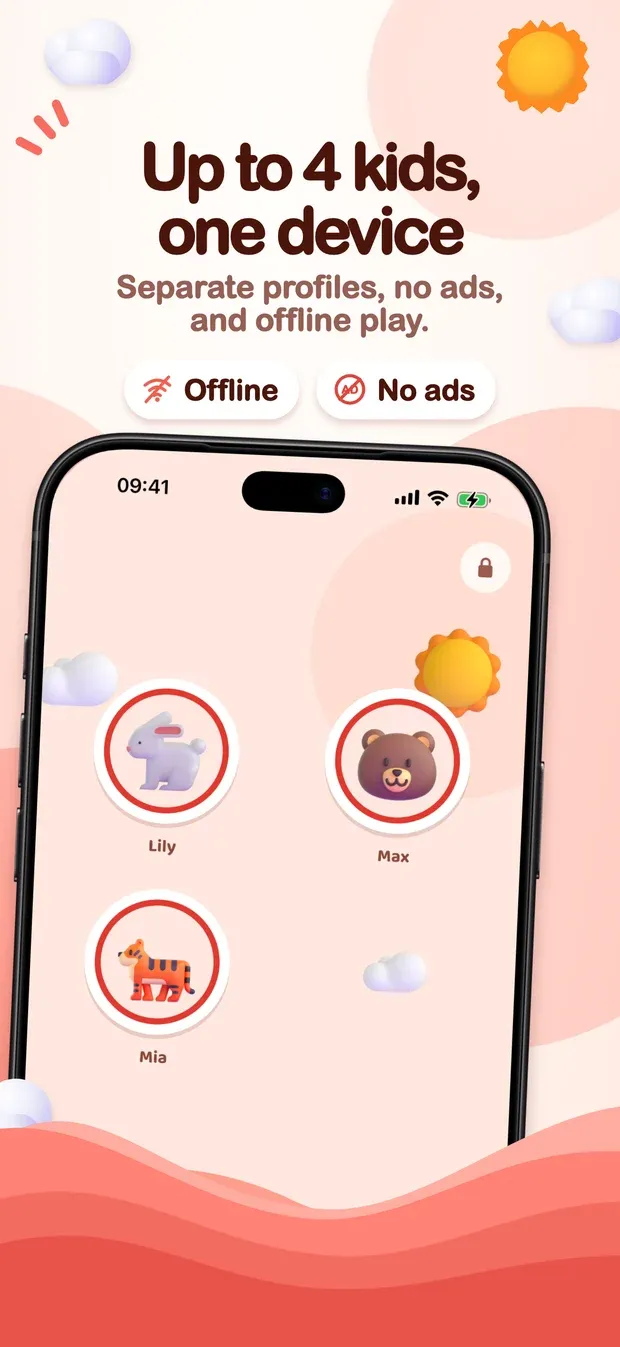
With more than one child, each picks their own animal first. Nobody has to read a name.
04 / 10
A new word
One big picture, heard three times before the round moves on.
05 / 10
Find the picture
Hear the word, tap one of three pictures. A wrong one turns pale and the child tries again.
06 / 10
Match the pairs
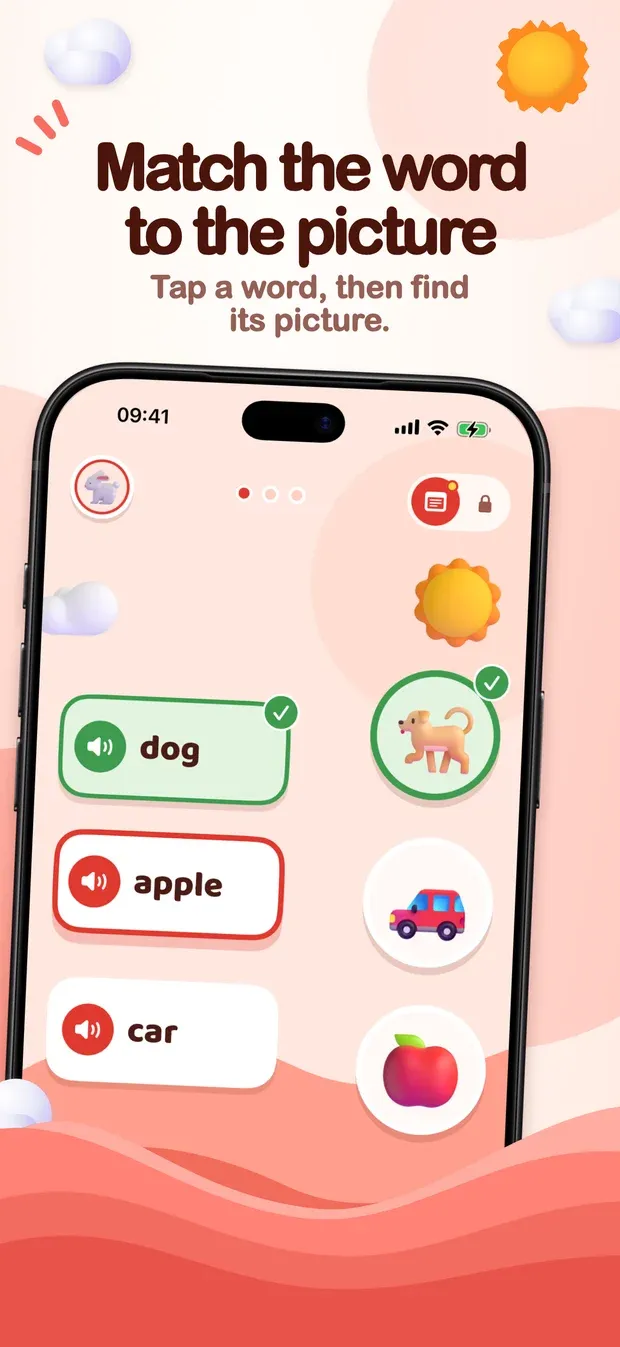
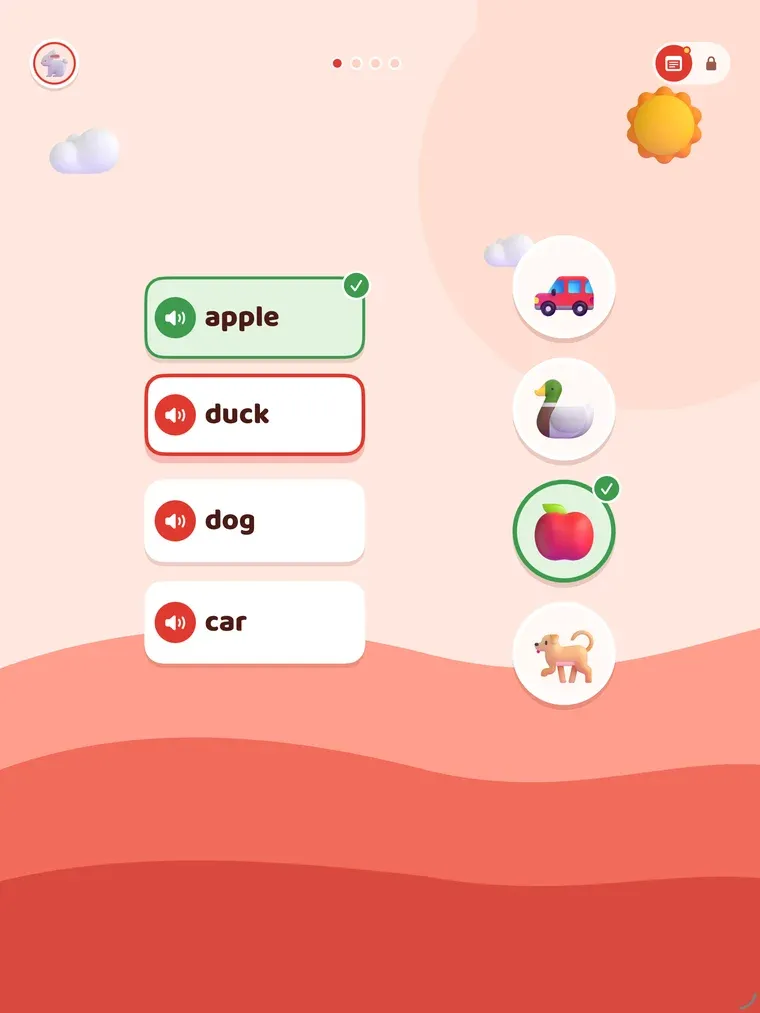
Every few rounds in the app: tap a word, then find its picture.
07 / 10
Round done
A star at the end of each round, and a button to play a little more.
08 / 10
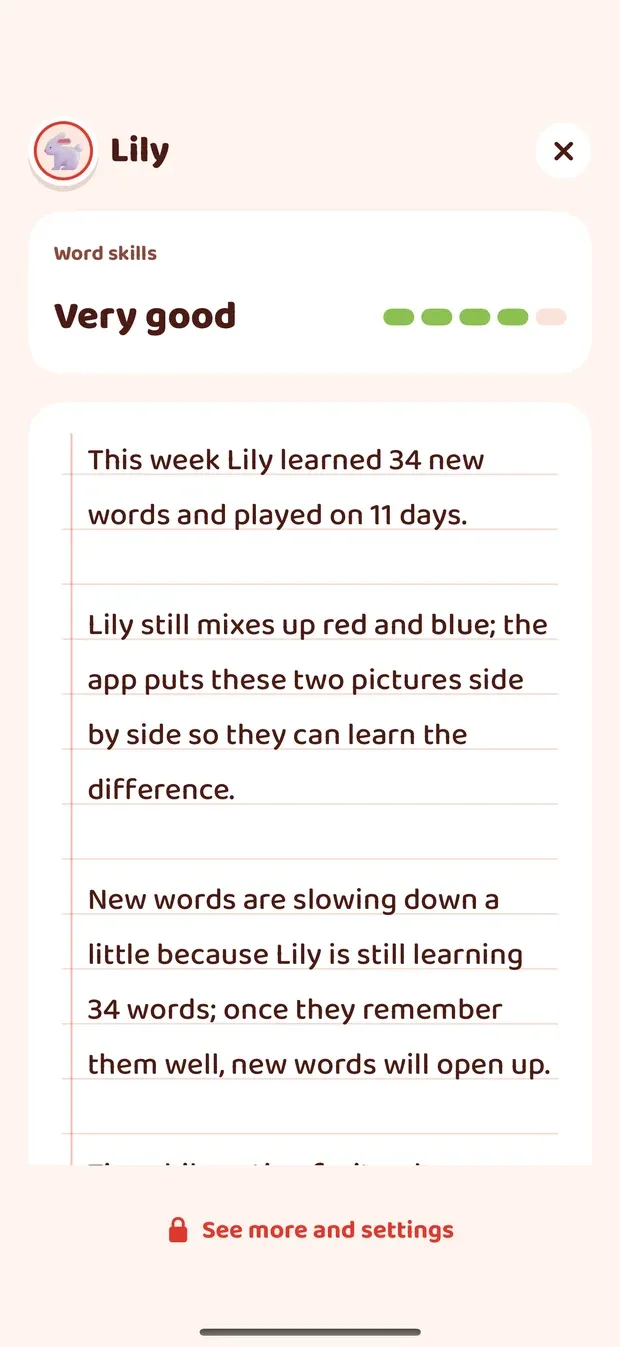
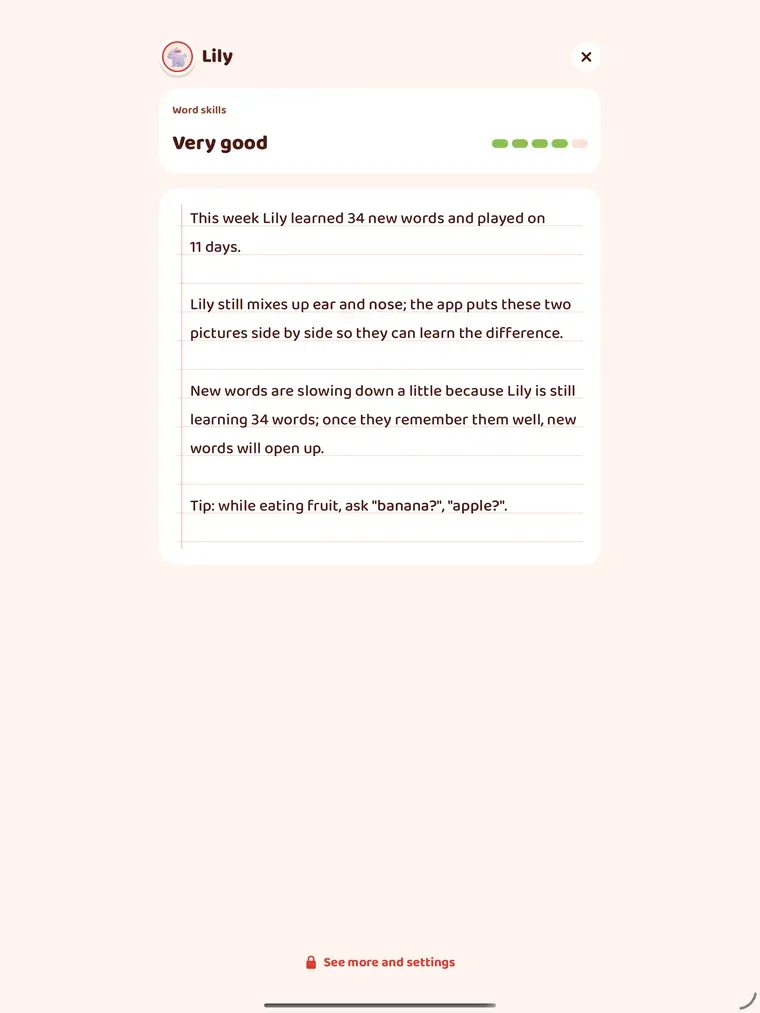
Notes for the parent
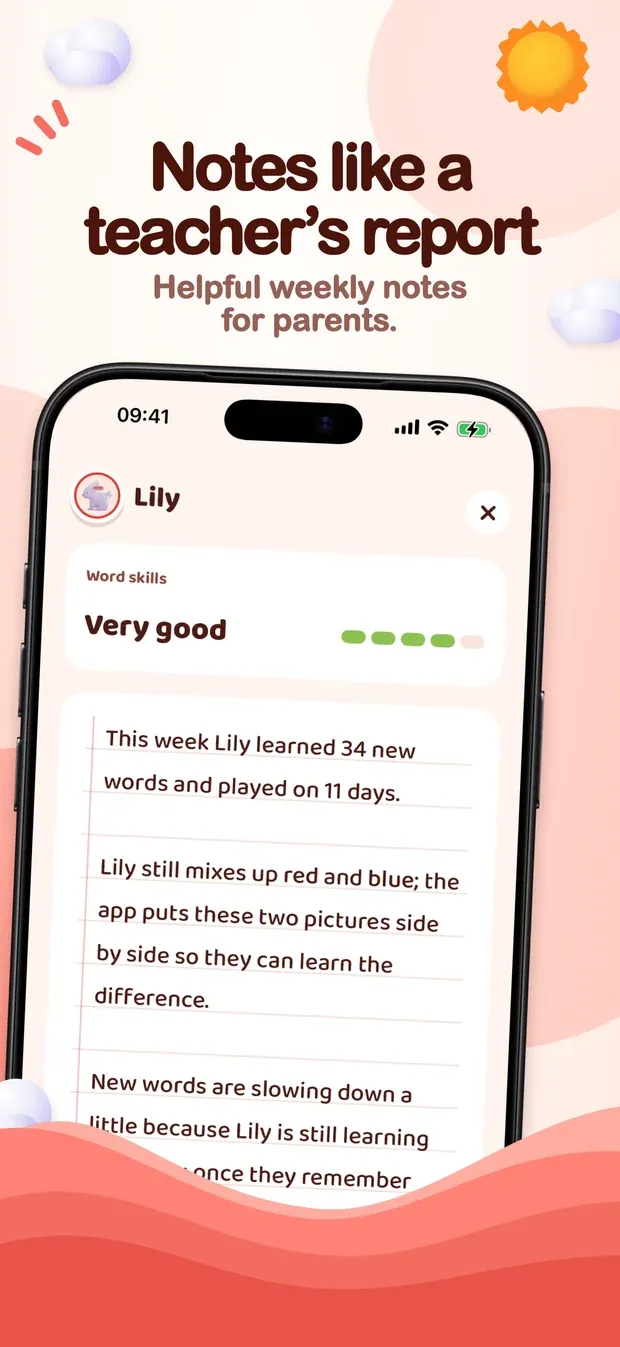
A few sentences about the child, the way a teacher writes a report.
09 / 10
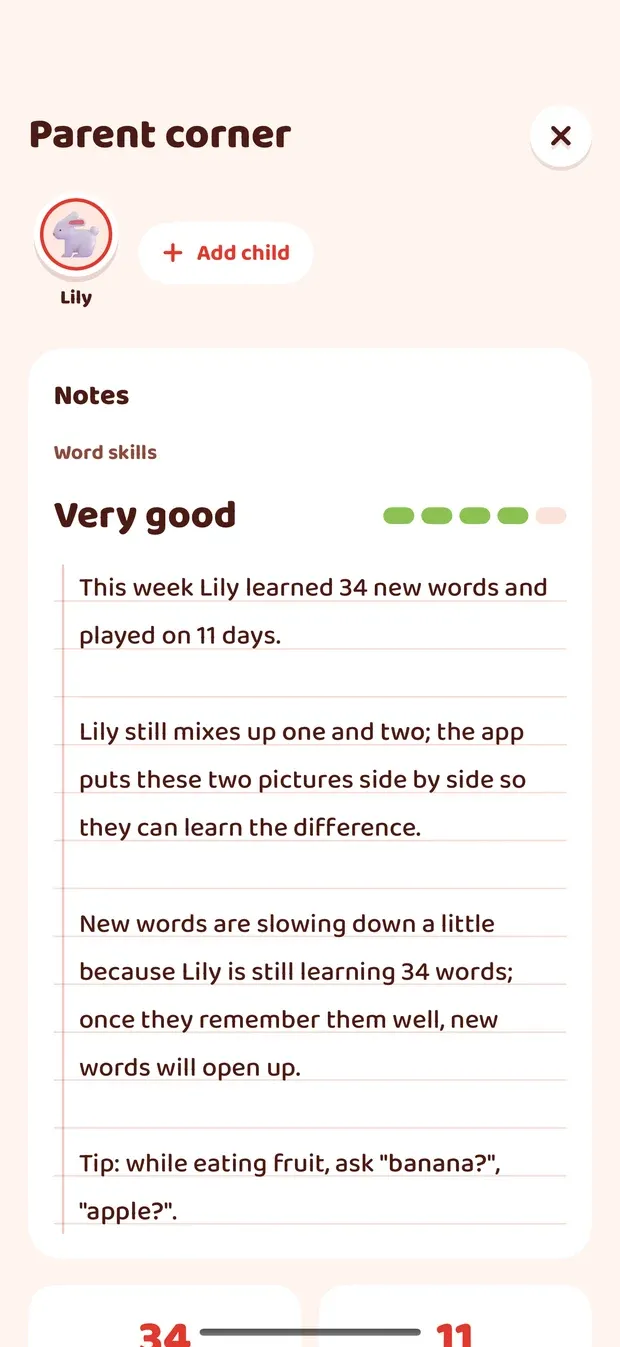
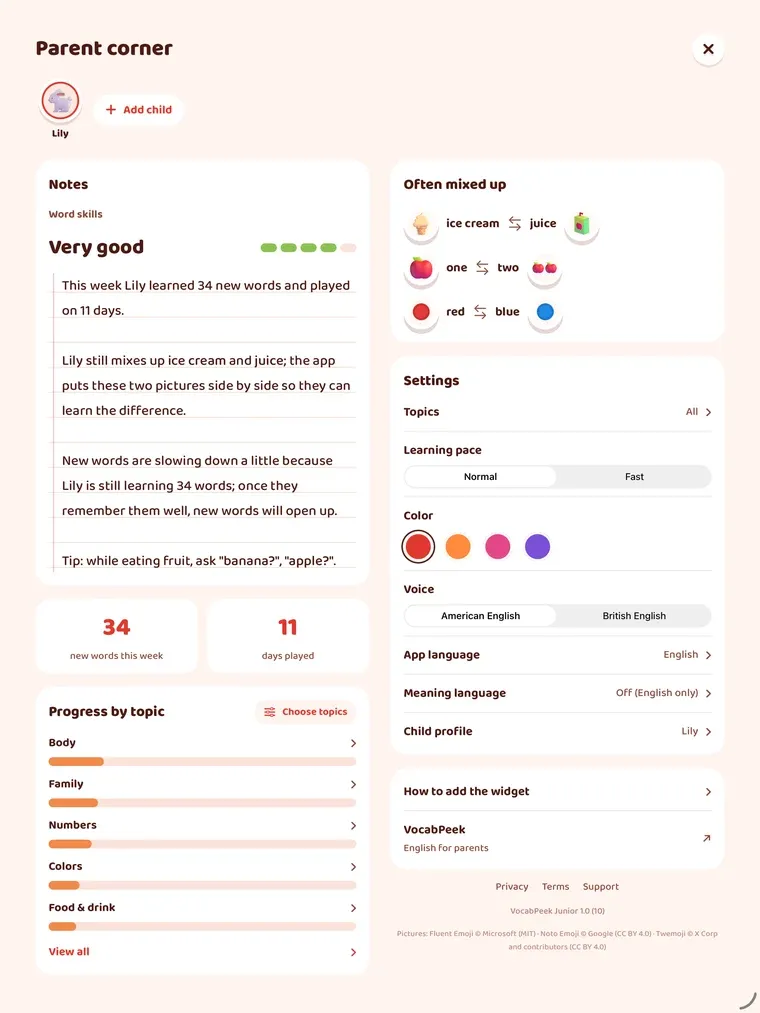
Parent corner
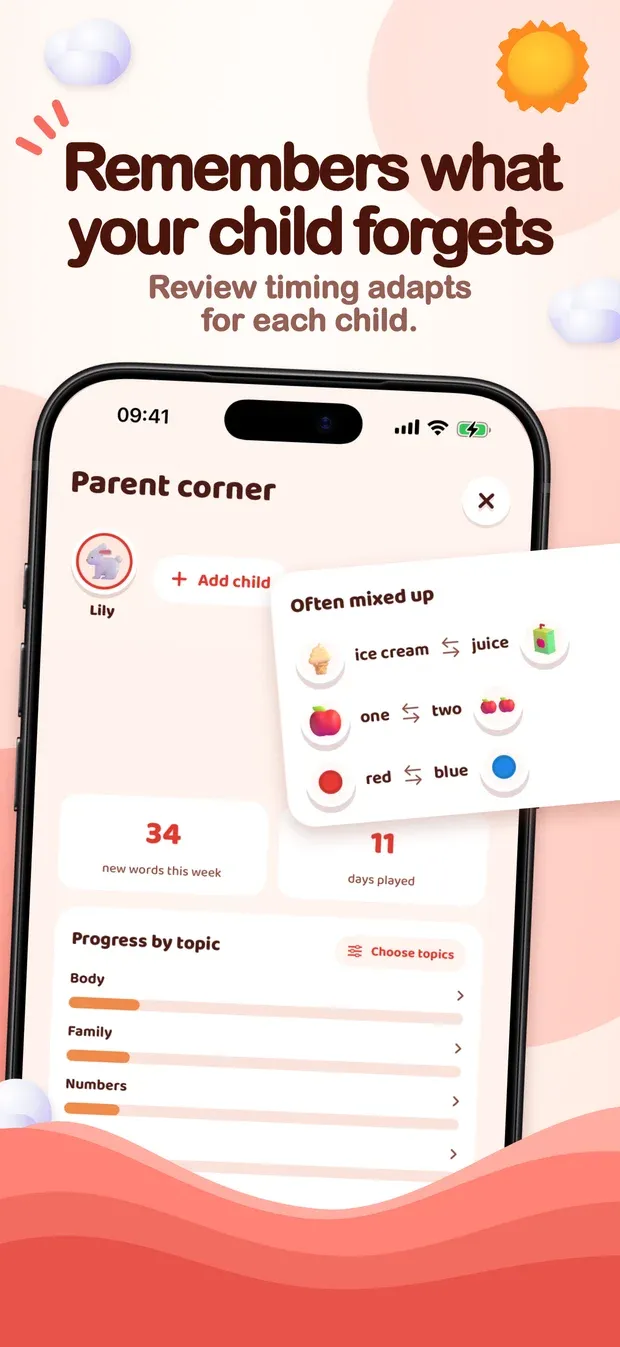
Behind a parent check: words often mixed up, progress by topic, and the settings.
10 / 10
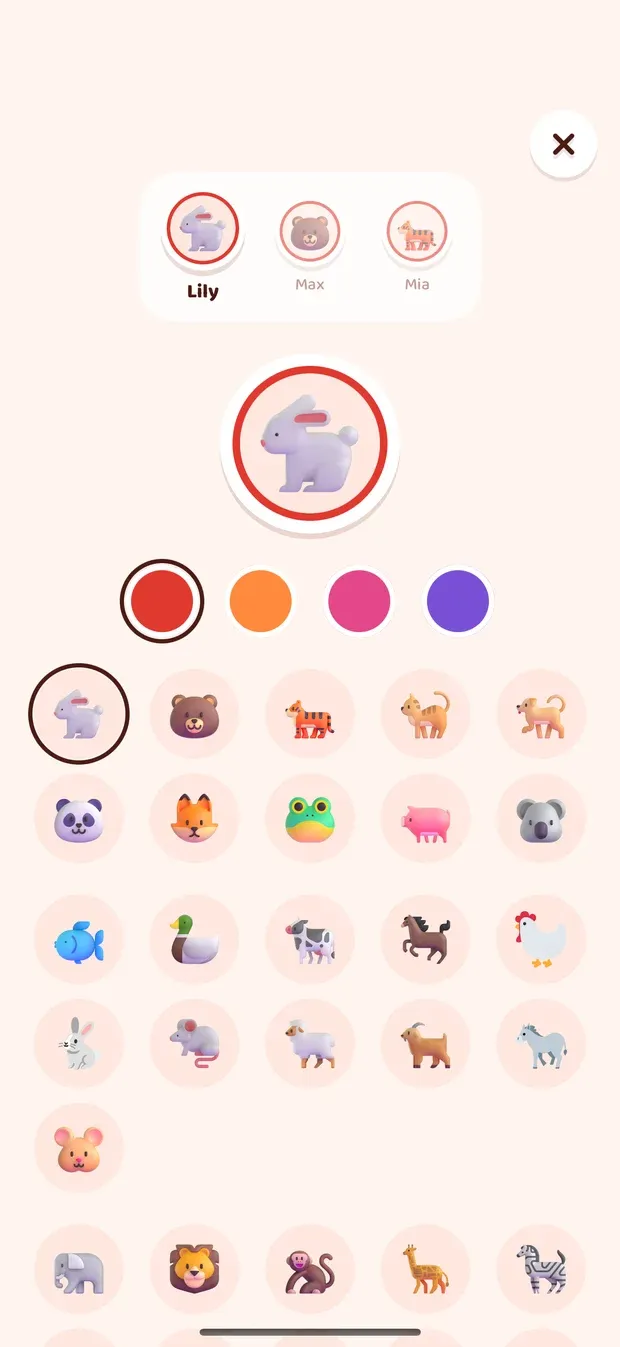
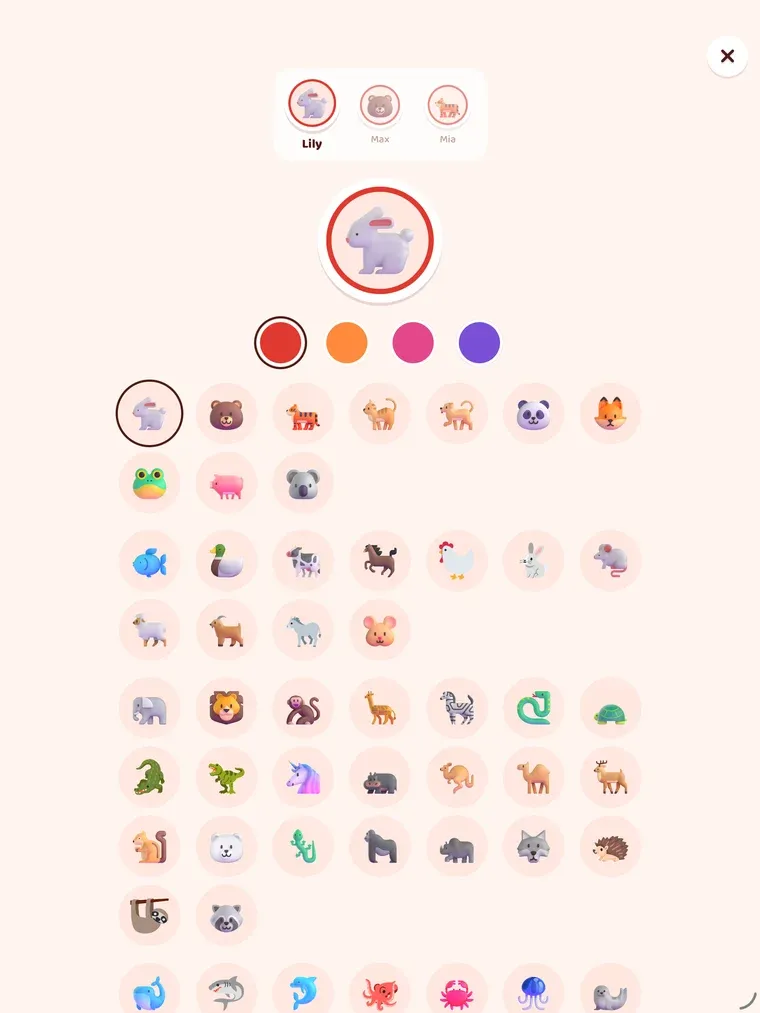
Picture and colour
Each child picks their own animal and colour.
A closer look on iPad
01 / 10
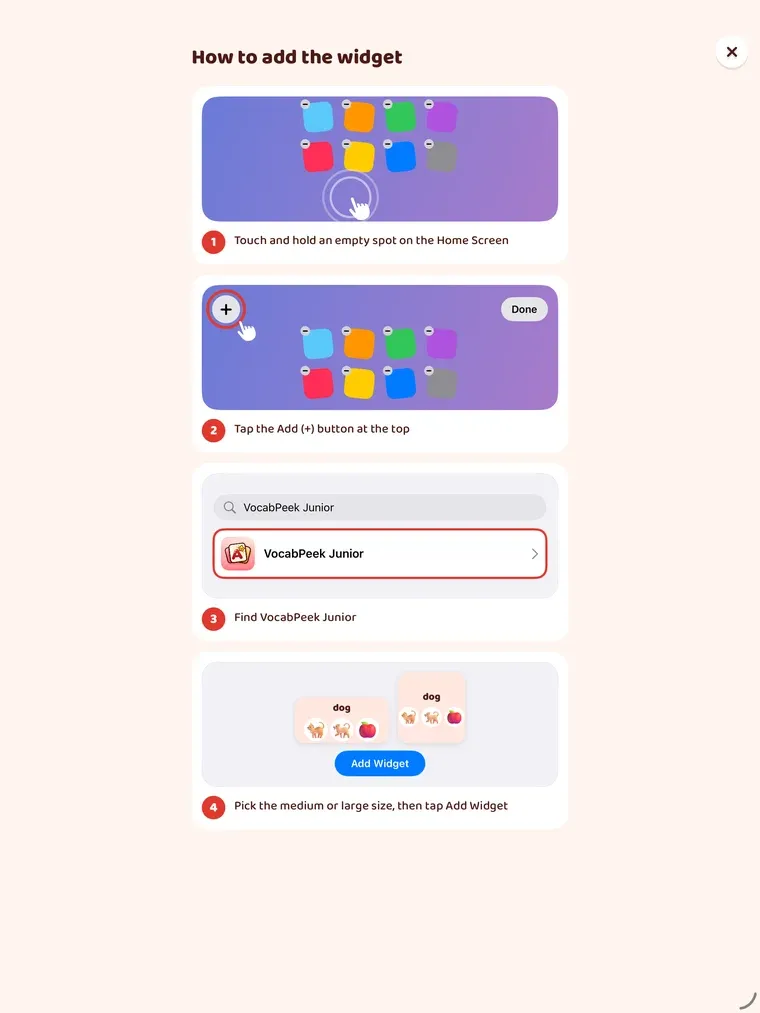
Adding the widget
The parent sets the widget up once. The app shows how, step by step.
02 / 10
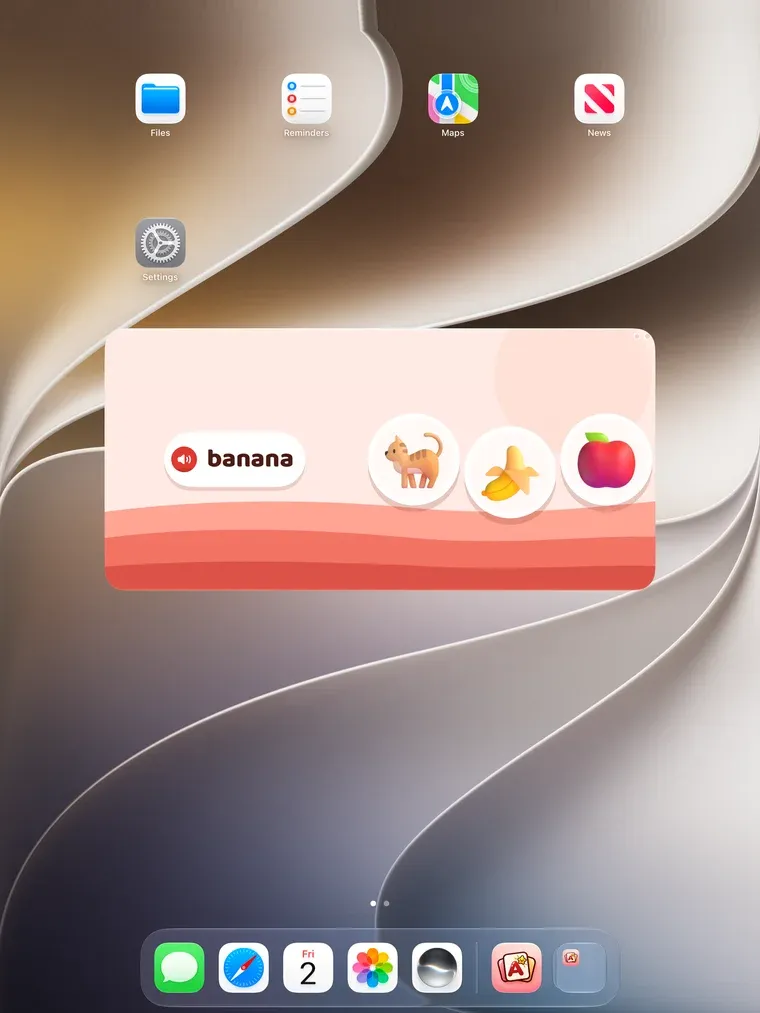
On the Home Screen
The word is spoken, and the child taps its picture right on the widget, without opening the app.
03 / 10
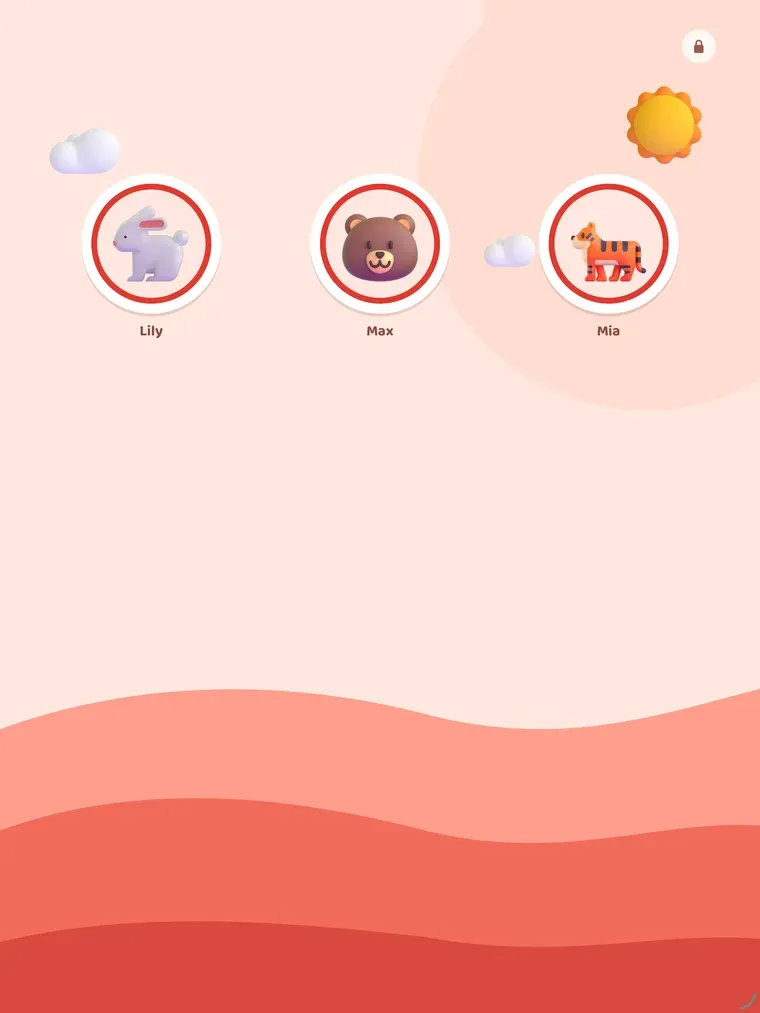
Who is playing
With more than one child, each picks their own animal first. Nobody has to read a name.
04 / 10
A new word
One big picture, heard three times before the round moves on.
05 / 10
Find the picture
Hear the word, tap one of three pictures. A wrong one turns pale and the child tries again.
06 / 10
Match the pairs
Every few rounds in the app: tap a word, then find its picture.
07 / 10
Round done
A star at the end of each round, and a button to play a little more.
08 / 10
Notes for the parent
A few sentences about the child, the way a teacher writes a report.
09 / 10
Parent corner
Behind a parent check: words often mixed up, progress by topic, and the settings.
10 / 10
Picture and colour
Each child picks their own animal and colour.
The child, Lily, and her progress in these screens are a sample profile, not a real child.
Playing in the app
The widget is enough on its own, but the app is there for a child who wants more: rounds of five words, with a round of matching pairs every few rounds. Answers in the app go into the same schedule, so playing a lot does not flood the child with new words.
For the parent
Everything for the parent sits behind a short parent check that a young child cannot pass.
- Notes, like a teacher’s report. A few sentences about the child: new words this week, the topic they have just got hold of, the pair they still mix up, and one thing to try at home with the words they have just learned. They are written on the device from the child’s taps, with fixed sentences — no AI service and no server.
- Progress by topic, and the words the child mixes up most often.
- Topics on or off, and the pace: Normal, or Fast for more words in progress at once.
- Up to four children on one device, each with their own animal, colour and progress.
- A voice in American or British English, the one built into iOS. The app itself can be shown in English, Vietnamese, Japanese, Korean or Traditional Chinese, and a short meaning under each word can be shown for the parent in the same languages, or switched off.
What it does not do
No account, no ads, no analytics, no tracking and no third-party code in the app. It needs no connection to play. Progress syncs between your own iPhone and iPad through your iCloud account, and stays on the device if iCloud is off. There are no links a child can follow out of the app.
Honest limits
- The widget cannot speak first. iOS does not let a widget play a sound when it appears, so the child taps the speaker on the first card of a round; after that, each tap also says the next word.
- No Lock Screen widget. The pictures need the room of a Home Screen widget.
- iOS decides when a widget redraws, so a tap on the widget can take a moment to show.
- English is the only language taught. The other languages are for the parent.
- iOS 18 or later, iPhone and iPad.
Credits
Pictures are Fluent Emoji by Microsoft (MIT), with some from Google’s Noto Emoji and from Twemoji by X Corp and contributors (both CC BY 4.0). The order of new words draws on Wordbank’s MacArthur-Bates CDI data for the age at which children say each word.