


VocabPeek: Daily Word Widget
iOSComing soon
Vocabulary on your Lock Screen
VocabPeek: Daily Word Widget
Vocabulary on your Lock Screen
VocabPeek puts one English word on your Lock Screen and Home Screen: the word, how it is pronounced, a short meaning and an example sentence. Every hour or so — you pick how often — it changes to another one. The idea is that vocabulary gets learned in the glances you already make at your phone, without opening an app or setting time aside for it.
Whether that works is a fair question. Can you learn vocabulary from your Lock Screen? looks at what the research says a glance does and does not do, why you forget new English words covers the review schedule that makes them stay, and how many English words you need puts numbers on the goal.
It is not released. There is no App Store listing and no release date. This page describes what is being built, and the details will change before it ships.
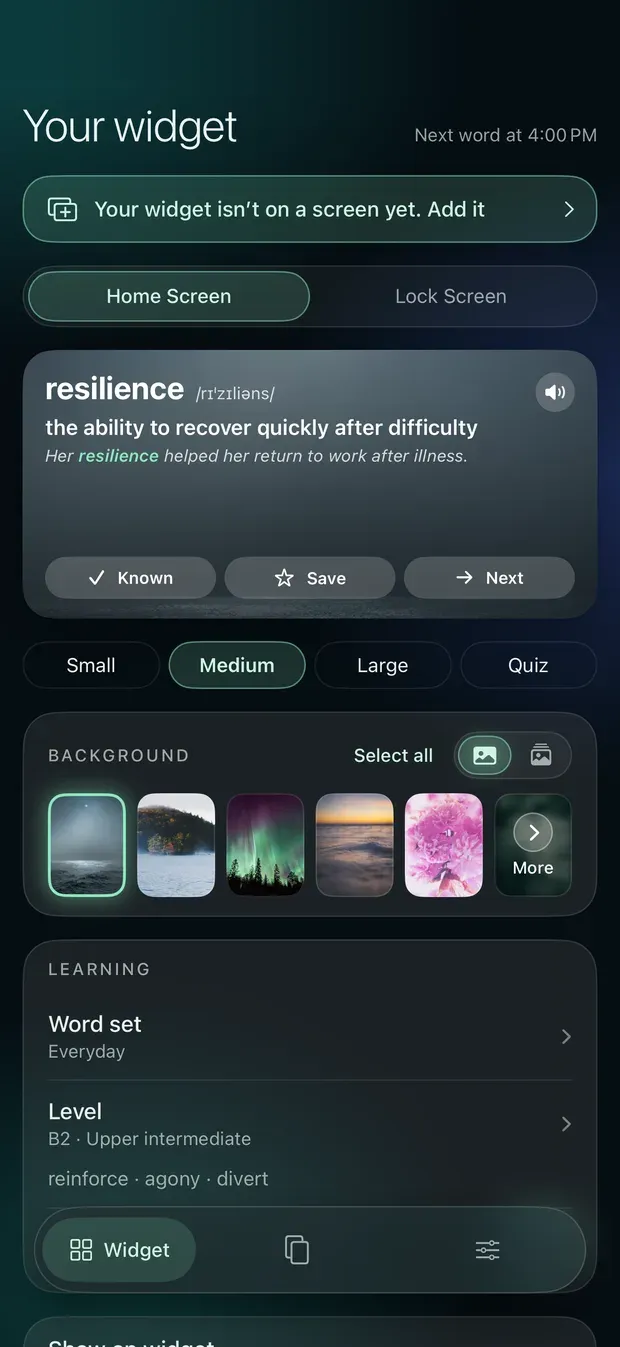
The app exists to set the widget up. Open it and the first thing you see is your widget as it looks right now, with the controls under it: what to show, how often the word changes, which level to learn at, and the photo behind the card.
01 / 10
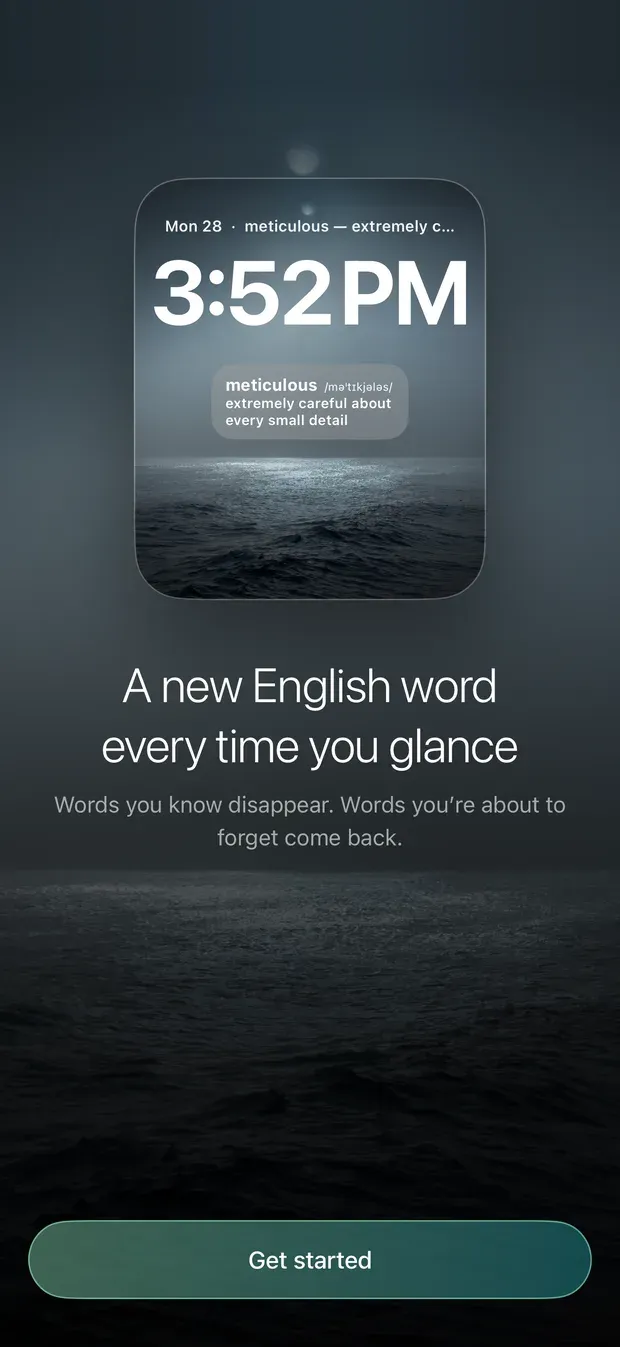
Welcome
Setup starts with what the app does, then a short level check.
02 / 10
Your widget
The first tab is your widget as it looks now, with its settings underneath.
03 / 10
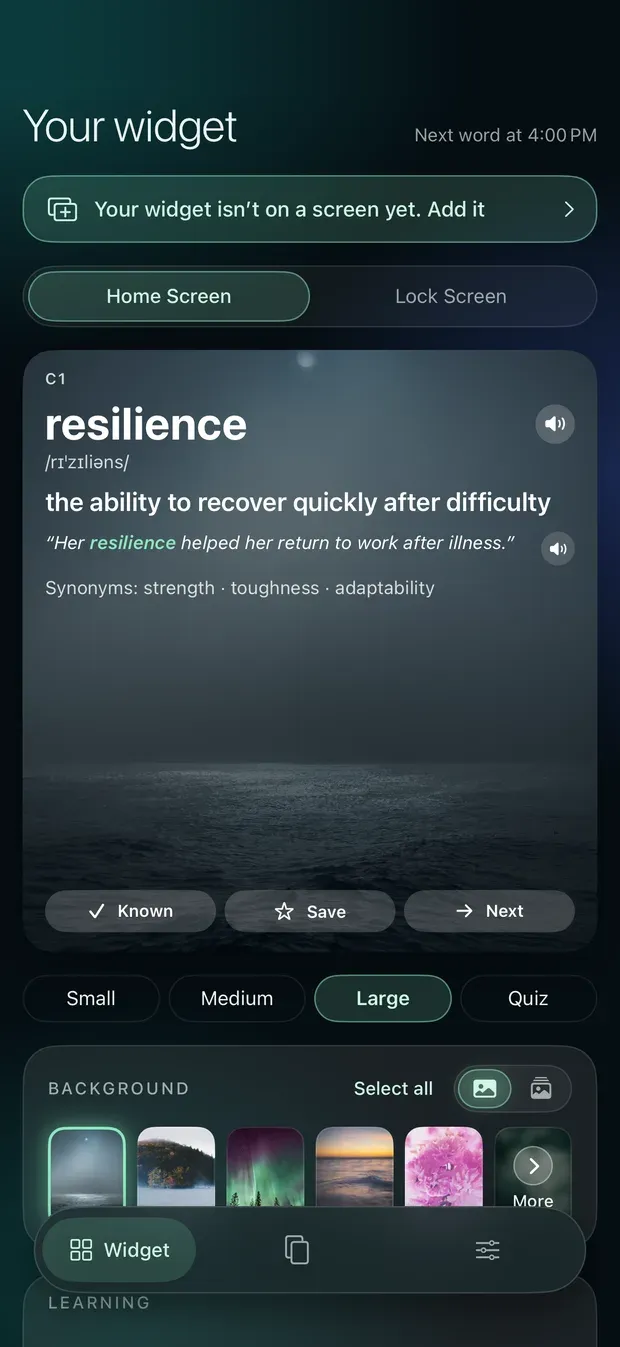
Large widget
The large size adds the level, a spoken example sentence and synonyms.
04 / 10
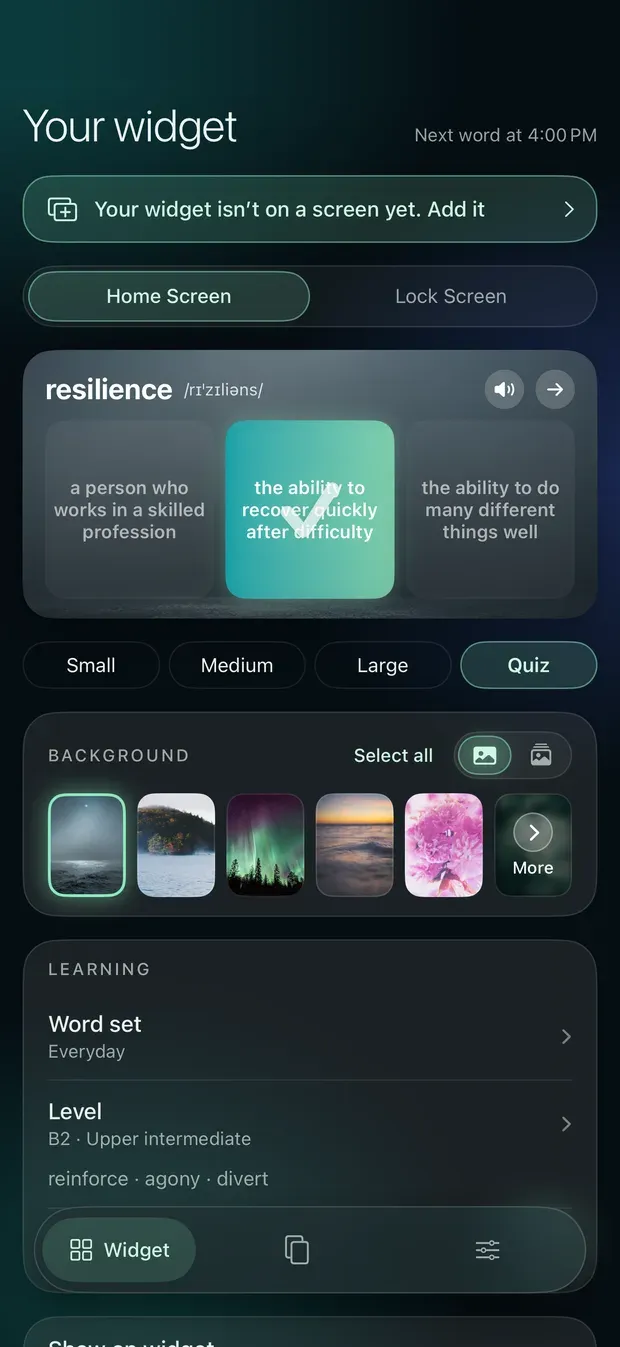
Quiz widget
A word you have met, and three meanings to pick from, right on the Home Screen.
05 / 10
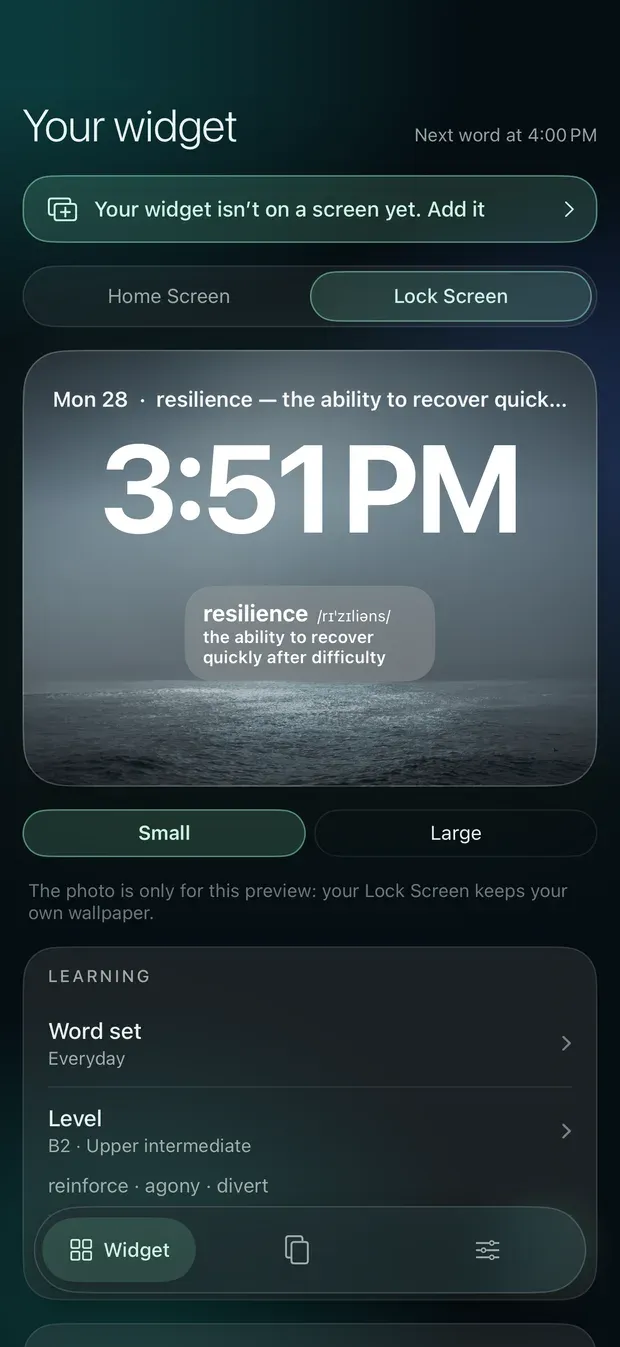
Lock Screen
On the Lock Screen: the word, its pronunciation and a short meaning, in small or large text.
06 / 10
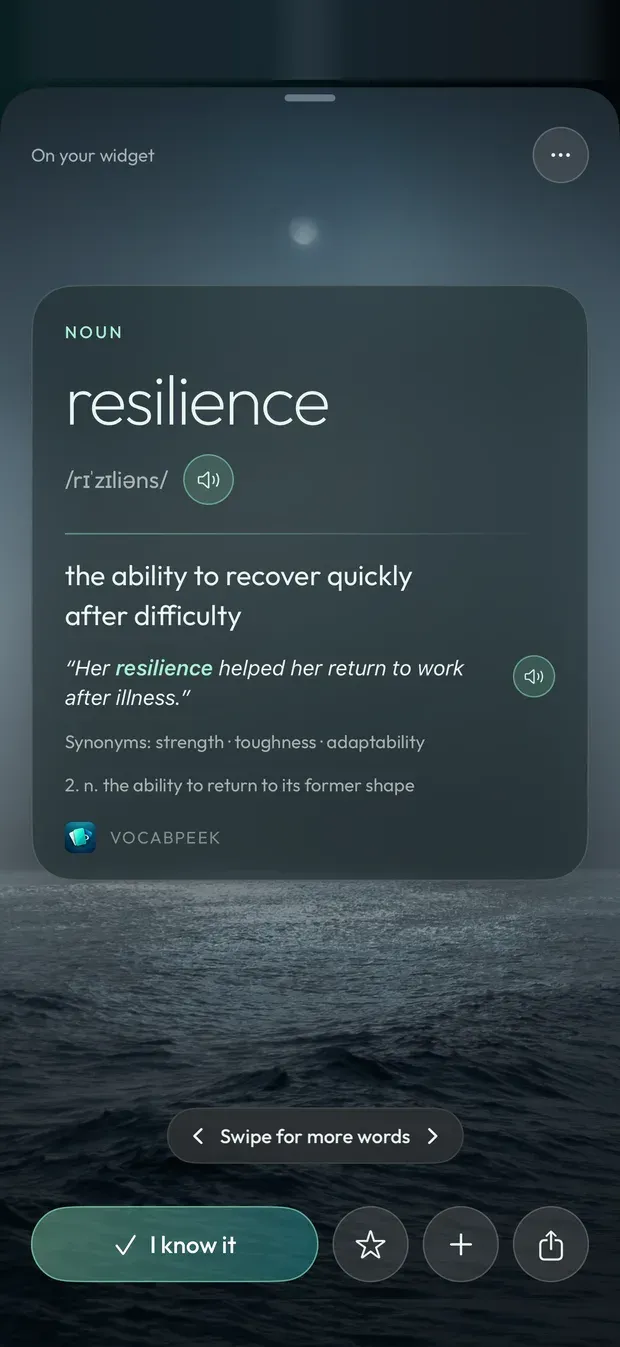
Word card
Tap the widget and the word opens as a card. Swipe for more words.
07 / 10
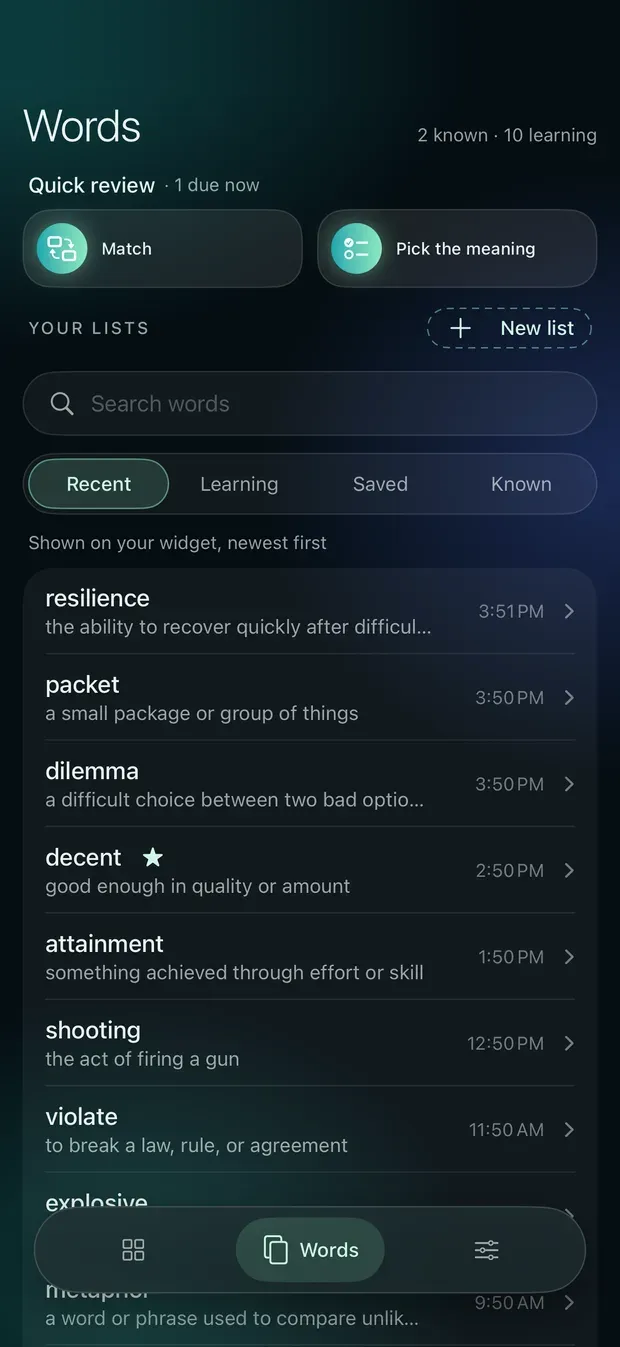
Words
What the widget has shown, your own lists, and quick review.
08 / 10
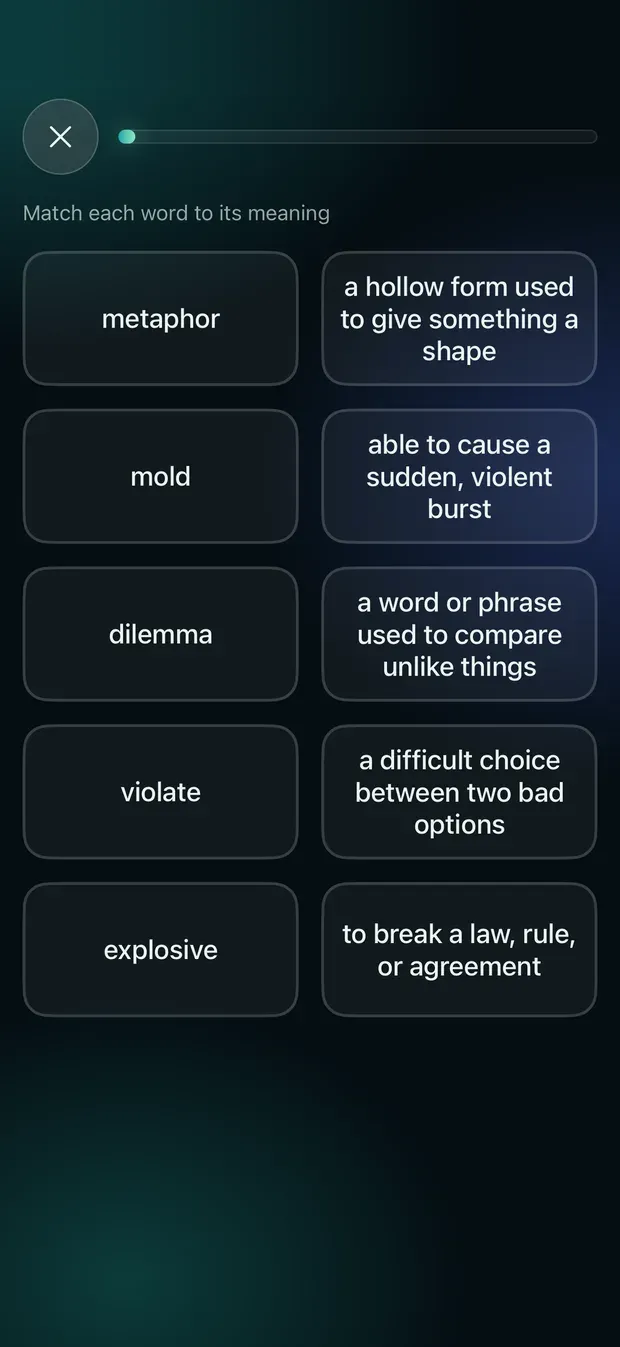
Match
Quick review: match each word to its meaning.
09 / 10
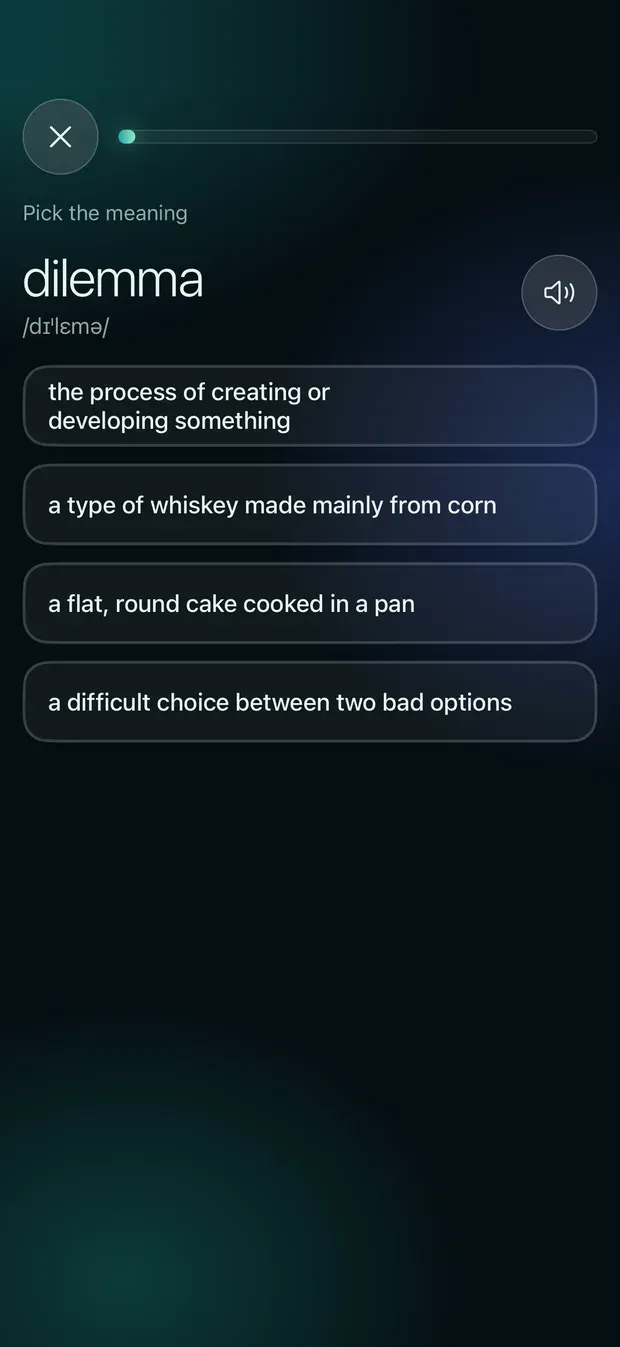
Pick the meaning
Or see one word and choose its meaning from four.
10 / 10
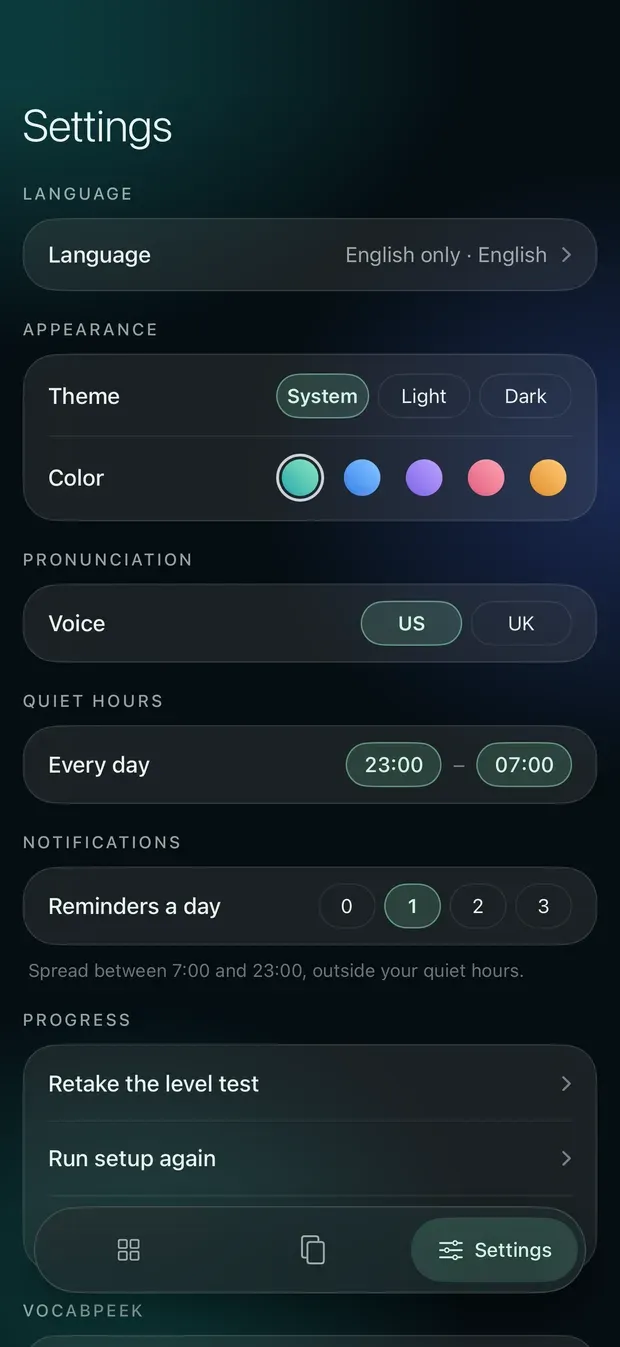
Settings
Meaning language, theme and accent colour, voice, quiet hours and reminders.
The list starts from word lists compiled for learners, graded from A1 to C2, and goes past C2 with words an educated reader is expected to know. Within each level, more common words come first. Rare curiosities and invented words are not in it.
Two short exercises in the Words tab, for when you do open the app: Match pairs words with their meanings, and Pick the meaning shows one word and four meanings to choose from, then the whole word again, example and all. Neither keeps a score.
No streaks, no games, no chapter map, and no guilt. Reminders are off or up to three a day, your choice, and the app only asks for notification permission if you turn them on. There is no account to create.
Tap a word and it opens as a card over a landscape photo: the full definition, an example, synonyms, and the word and the sentence read aloud, in an American or British voice. Save it, add it to a list, or share it as an image sized for a story or a square post, or save that image to Photos. The photos behind the cards are a collection of public-domain and CC0 images from Wikimedia Commons; choose one, or several and each new word brings the next.
The app comes in light or dark, with five accent colours, and its interface speaks English, Vietnamese, Japanese, Korean and Traditional Chinese. Progress, lists and settings sync between your devices through your own iCloud account.
Word levels and lists come from the CEFR-J Wordlist (compiled by Yukio Tono, Tokyo University of Foreign Studies), the Octanove Vocabulary Profile C1/C2, the New Academic Word List by Browne, Culligan and Phillips, Open English WordNet, Google Books Ngram and the CMU Pronouncing Dictionary. The full list of sources and photo credits is in the app, under Settings → Data sources.