


Marble: Stoic Quotes Widget
iOSComing soon
One Stoic passage a day, cited, on marble
Marble: Stoic Quotes Widget
One Stoic passage a day, cited, on marble
Marble puts one passage from Marcus Aurelius, Seneca or Epictetus on your Home Screen and Lock Screen. Each one is quoted from a translation and cited to its book and section in a small line underneath, so nothing on it is a quote someone made up and pinned on a Stoic. It sits on a slab of marble, or on a painting from a museum’s public-domain collection.
It is not released. It is going to App Review, and there is no App Store listing and no release date yet.
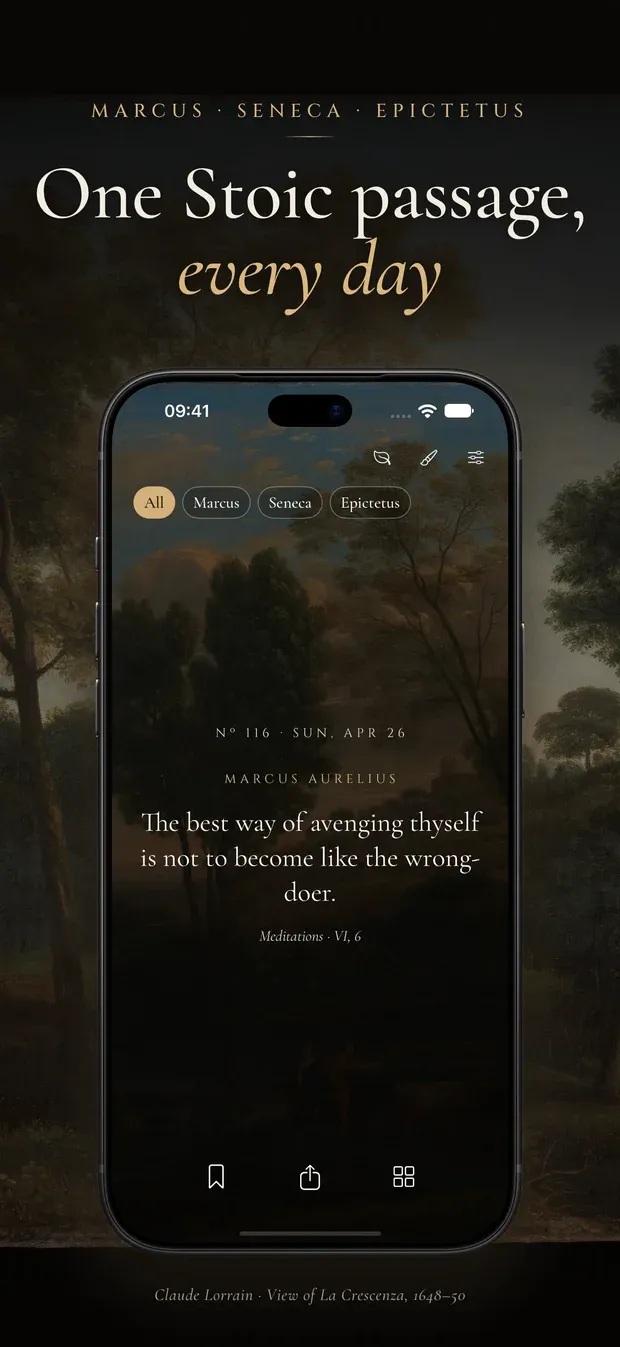
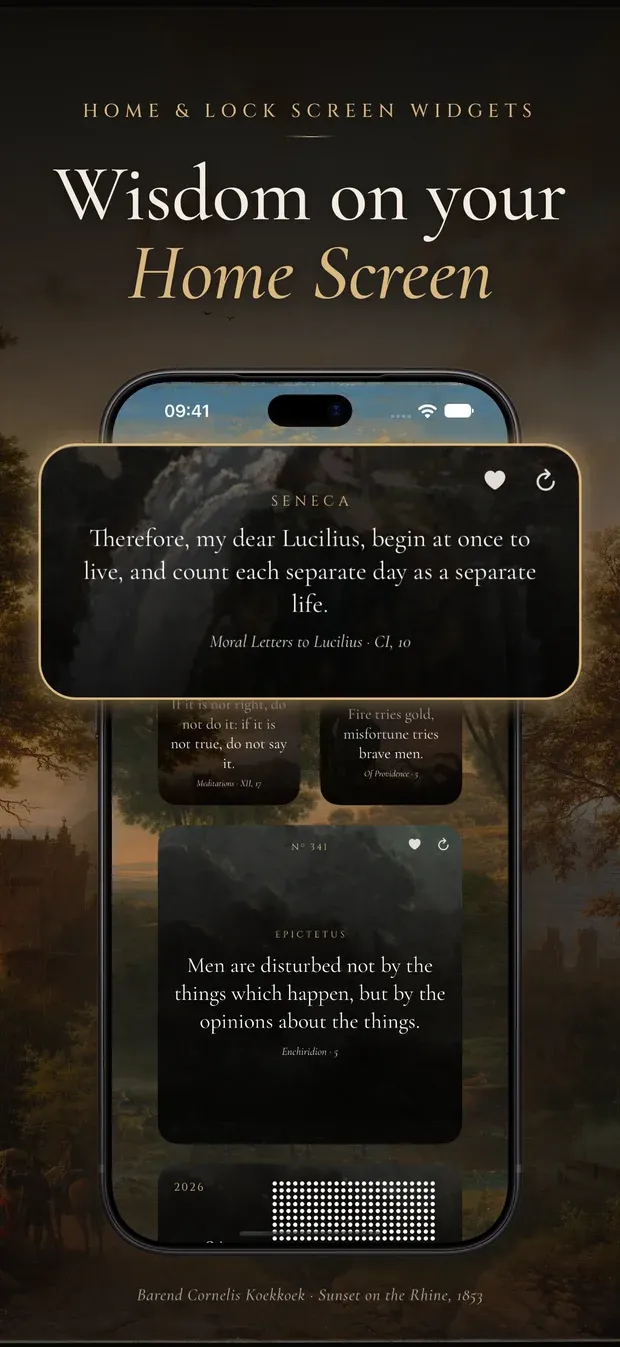
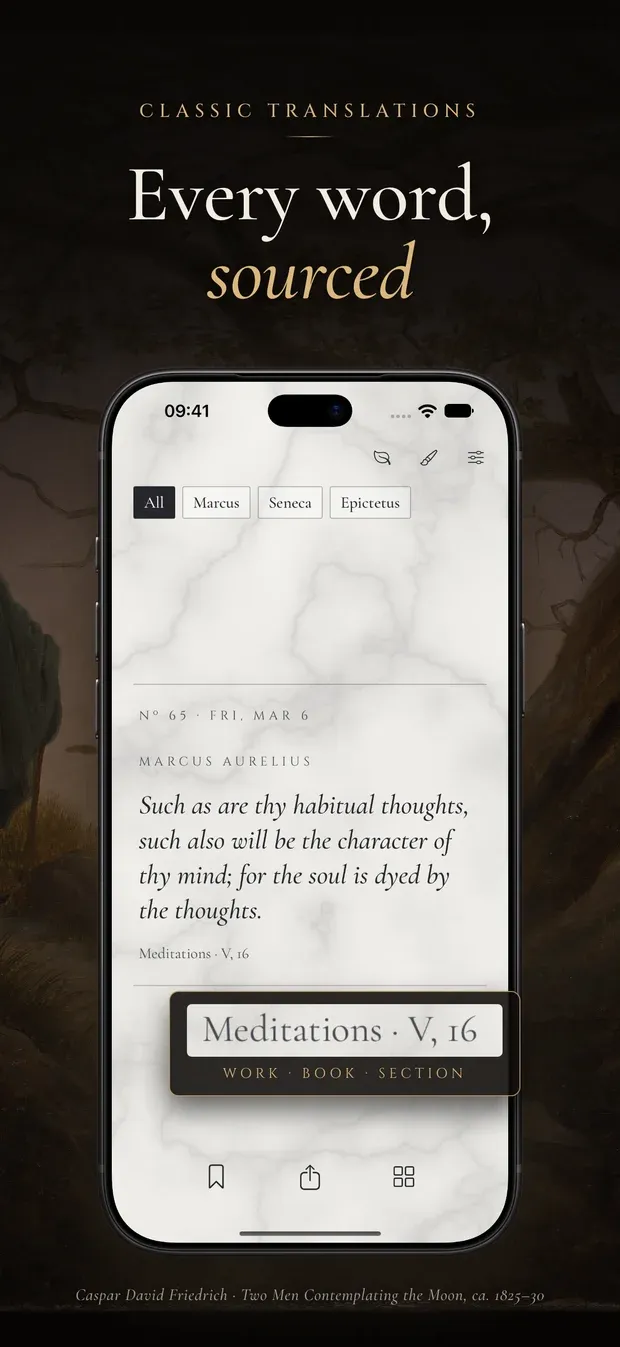
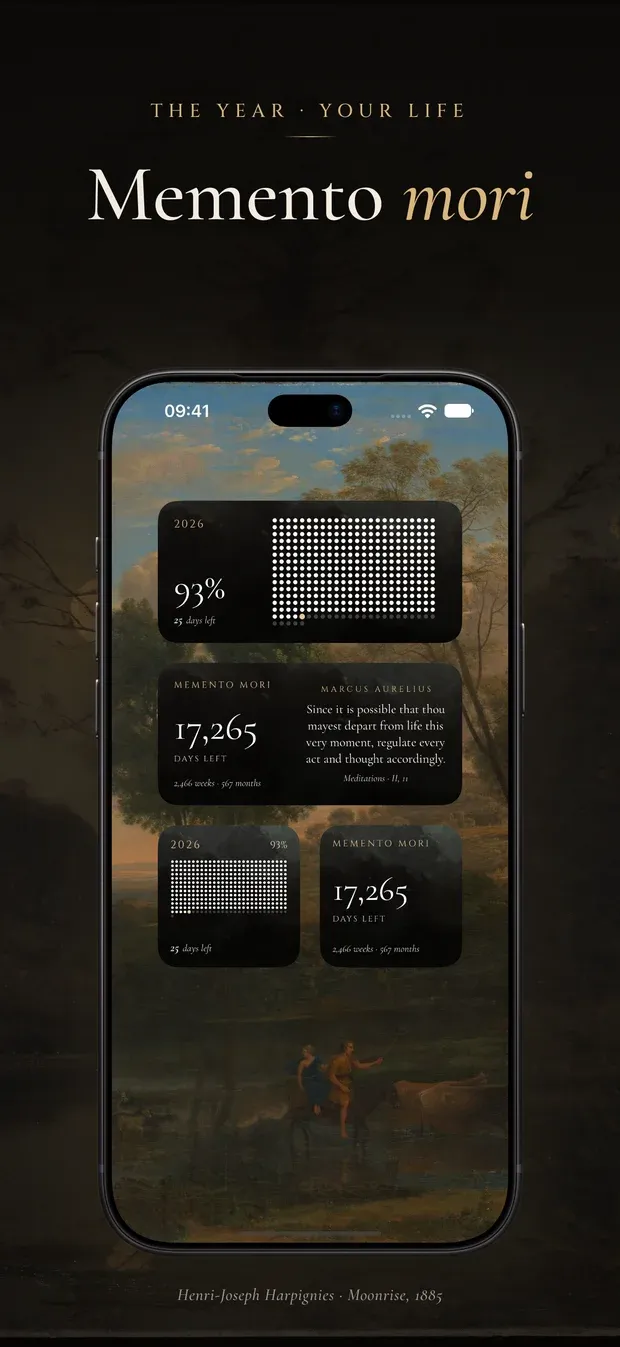
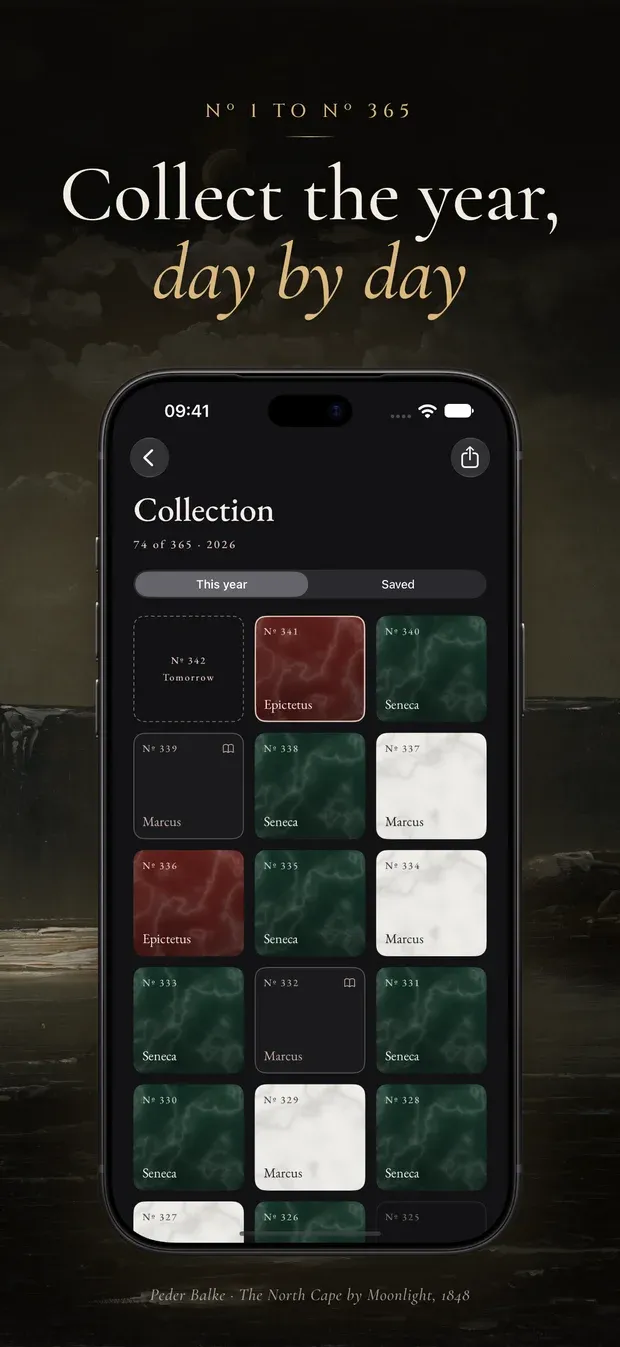
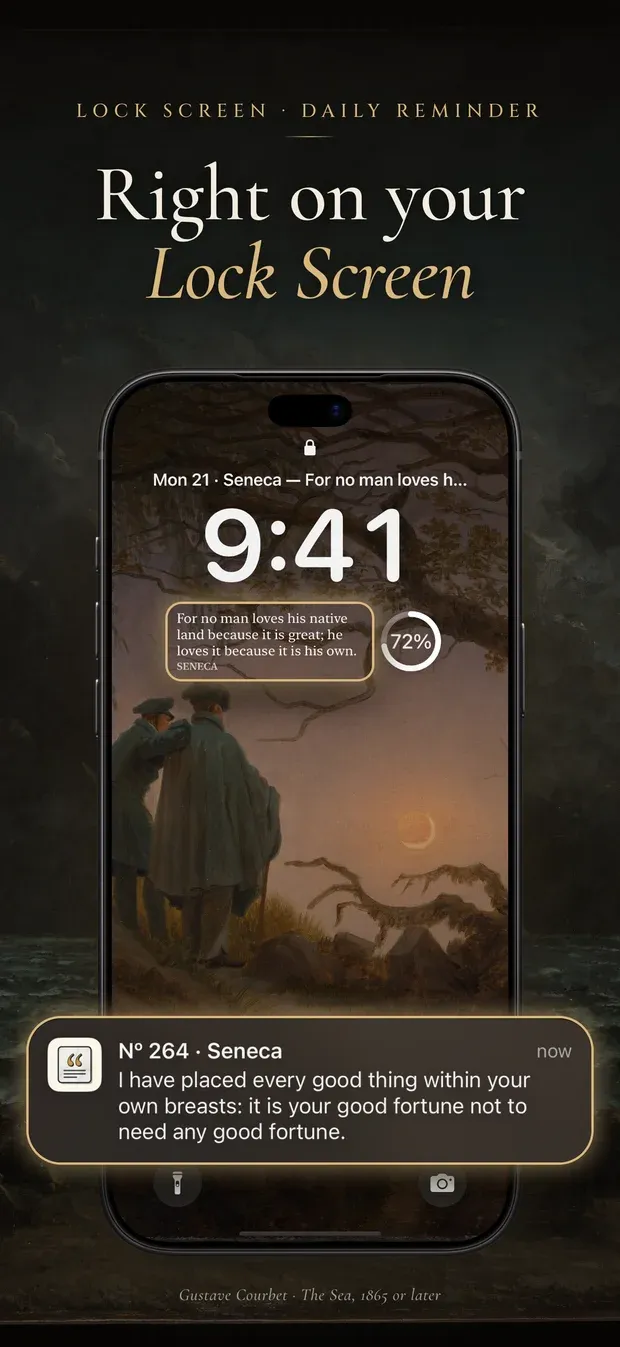
Every day of the year has its own passage, numbered by the day: Nº 278 is the 278th. Everyone using Marble meets the same passage on the same day, like reading the same page of a calendar.
There are 764 passages: Marcus Aurelius’s Meditations, Epictetus’s Enchiridion, and Seneca’s essays and letters to Lucilius. The English is from the classic translations of George Long, Aubrey Stewart and Richard M. Gummere, the Spanish from older Spanish translations, and the Vietnamese is Marble’s own. The app shows the language of your iPhone, or the one you pick.
A passage that looks wrong can be reported from Settings. The email it opens already names the passage, the translation and the app version.
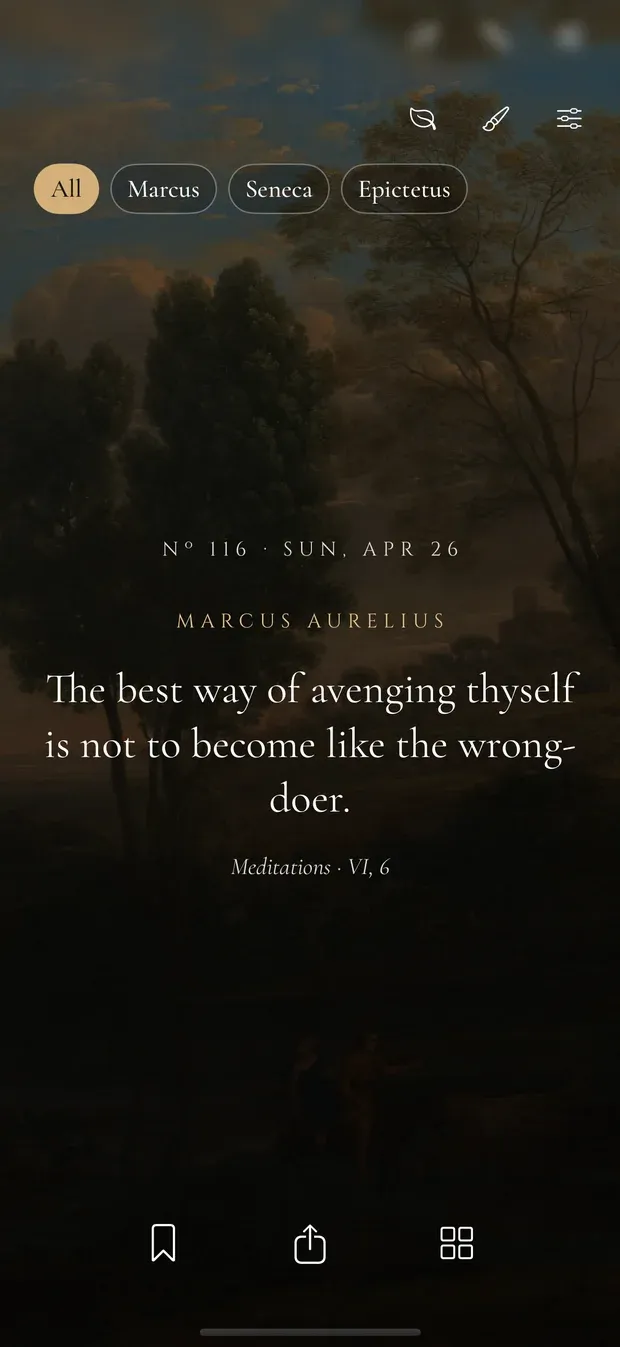
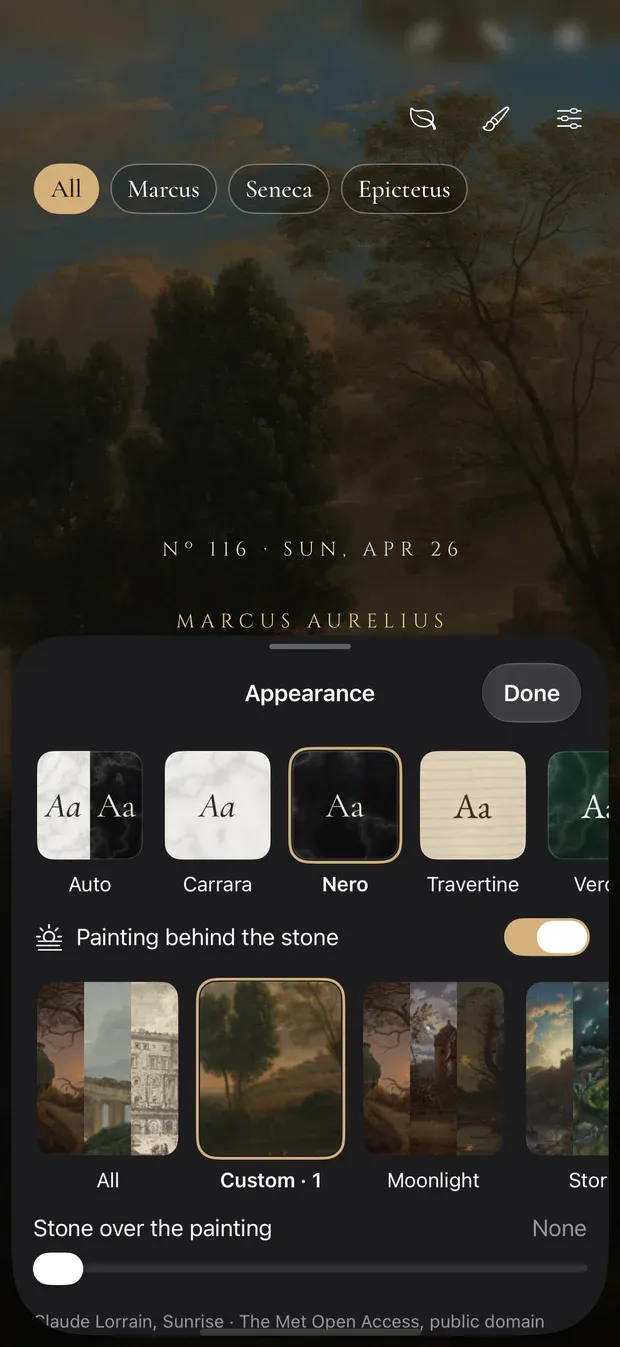
Carrara, Nero, Travertine, Verde and Fragment are five looks with one layout; Auto uses Carrara in light mode and Nero in dark. Behind the stone can go a painting — one, a group such as moonlight or storms, or all forty, one for each passage. They are public-domain works from The Metropolitan Museum of Art’s Open Access collection, credited under each one.
01 / 08
The day’s passage
One passage for each day of the year, the same for everyone, with its source underneath.
02 / 08
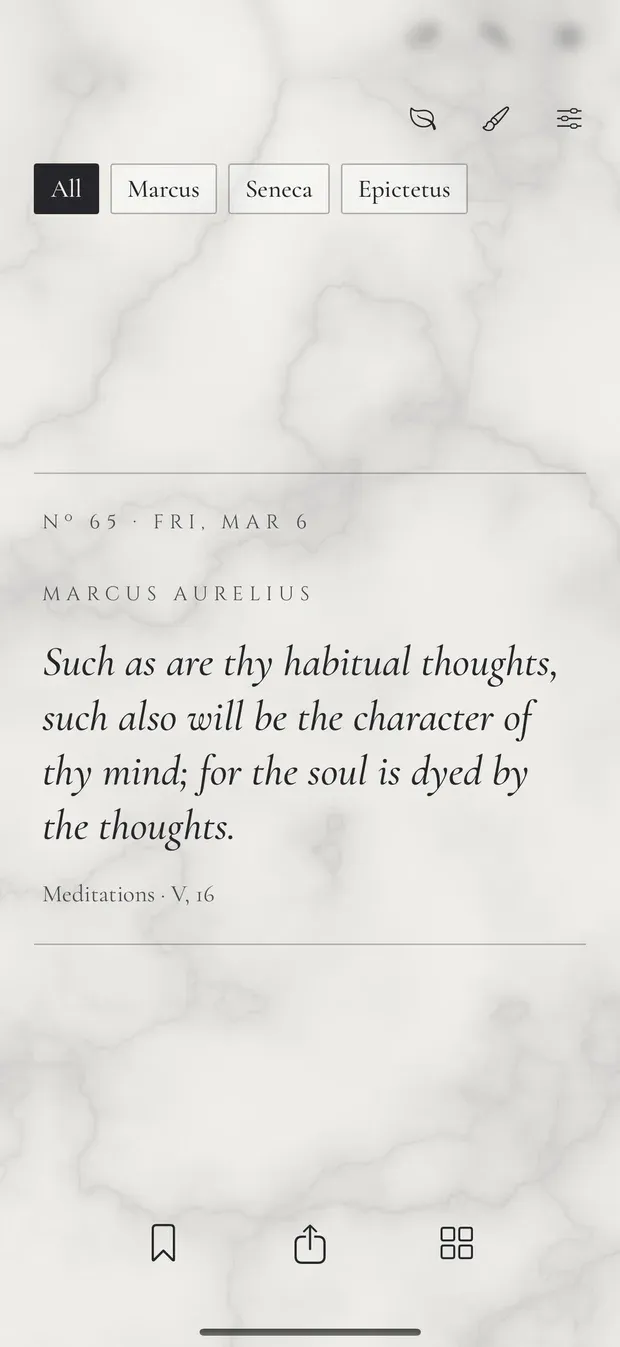
On the stone
The same layout on white Carrara marble, one of five stones.
03 / 08
Stone and painting
Pick a stone, put it over a painting, and choose one painting, a group or all forty.
04 / 08
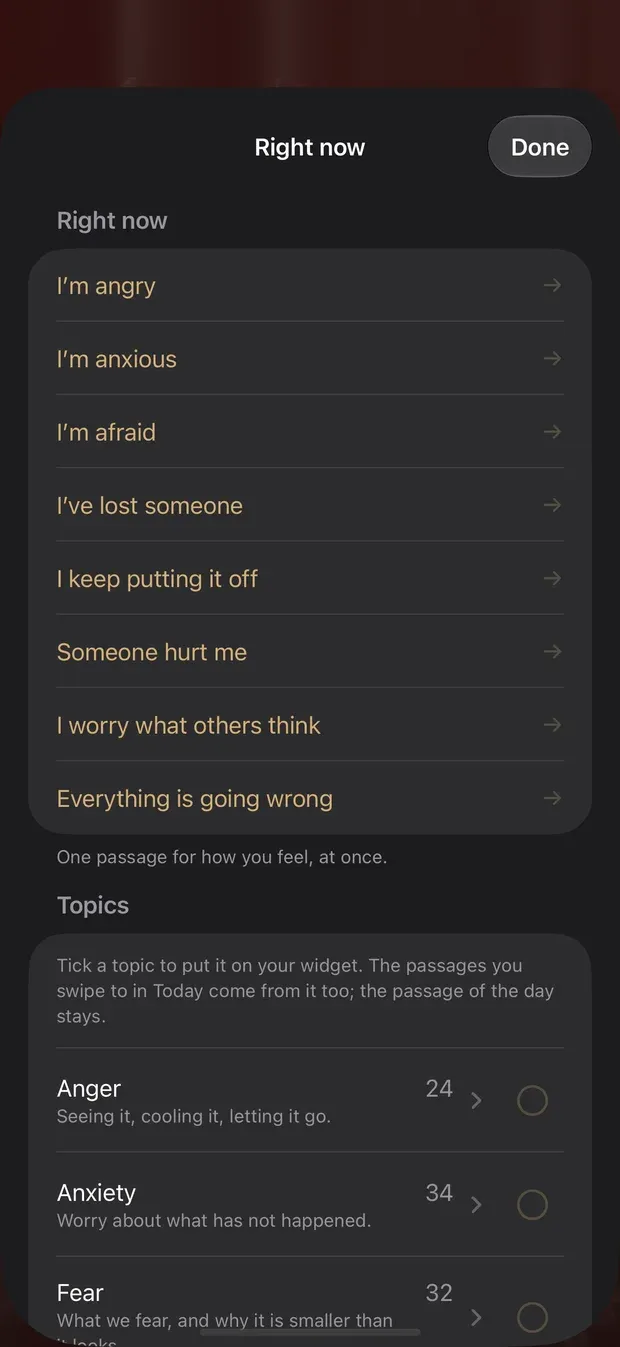
Right now
A passage for how you feel, and topics to put on the widget.
05 / 08
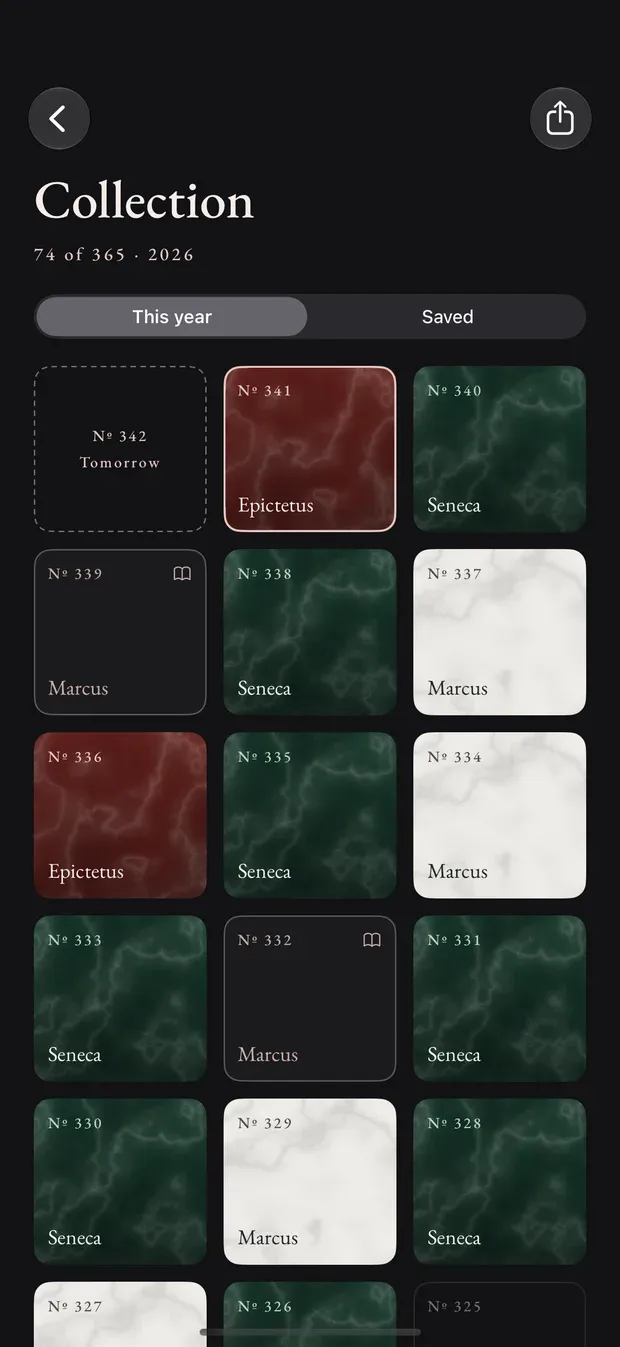
Collection
Opening the app on a day adds that day’s piece. A missed day stays empty.
06 / 08
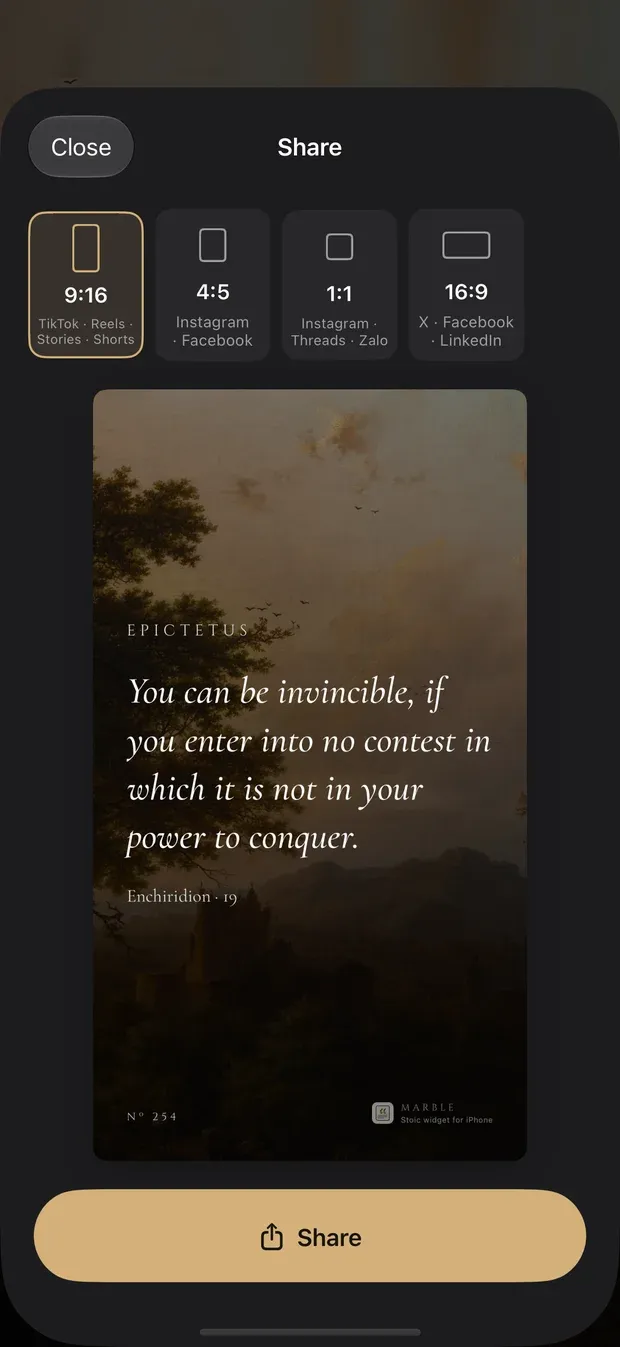
Share as an image
Four shapes, from Stories to a wide post, drawn in your stone and painting.
07 / 08
Widgets
Small, medium and large. The bigger ones can save the passage or draw the next one.
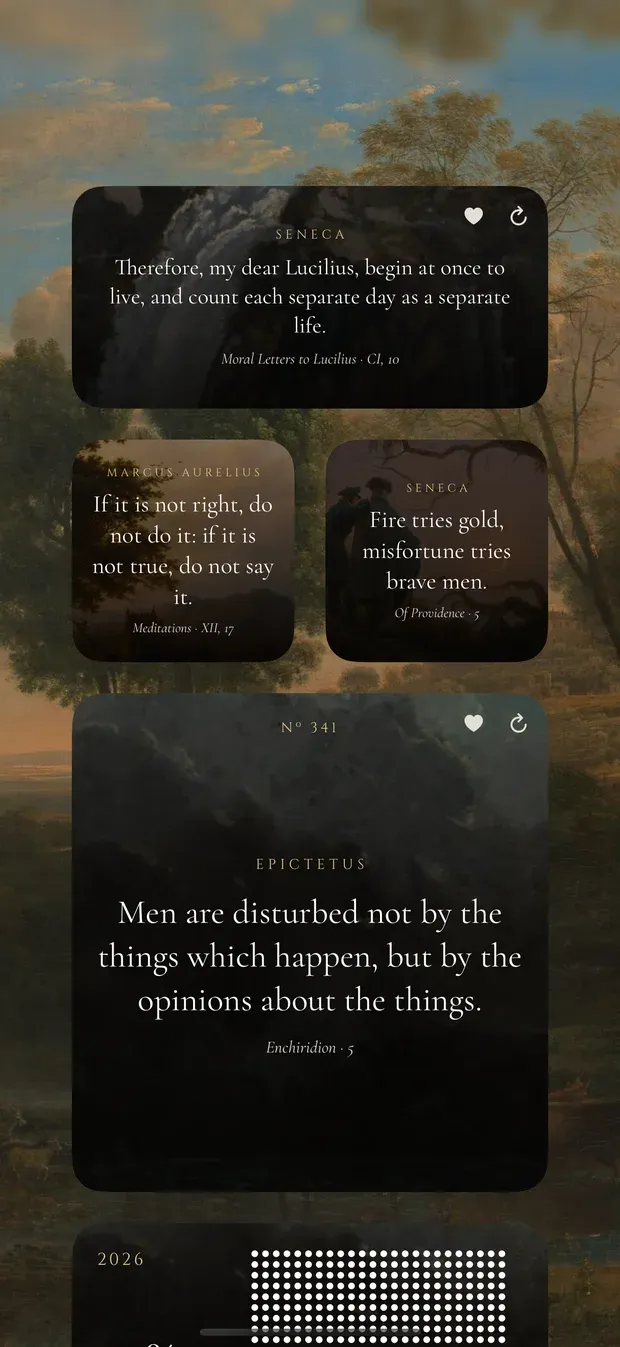
08 / 08
The year and Memento Mori
The year as a dot for each day, and the days left to an age you choose.
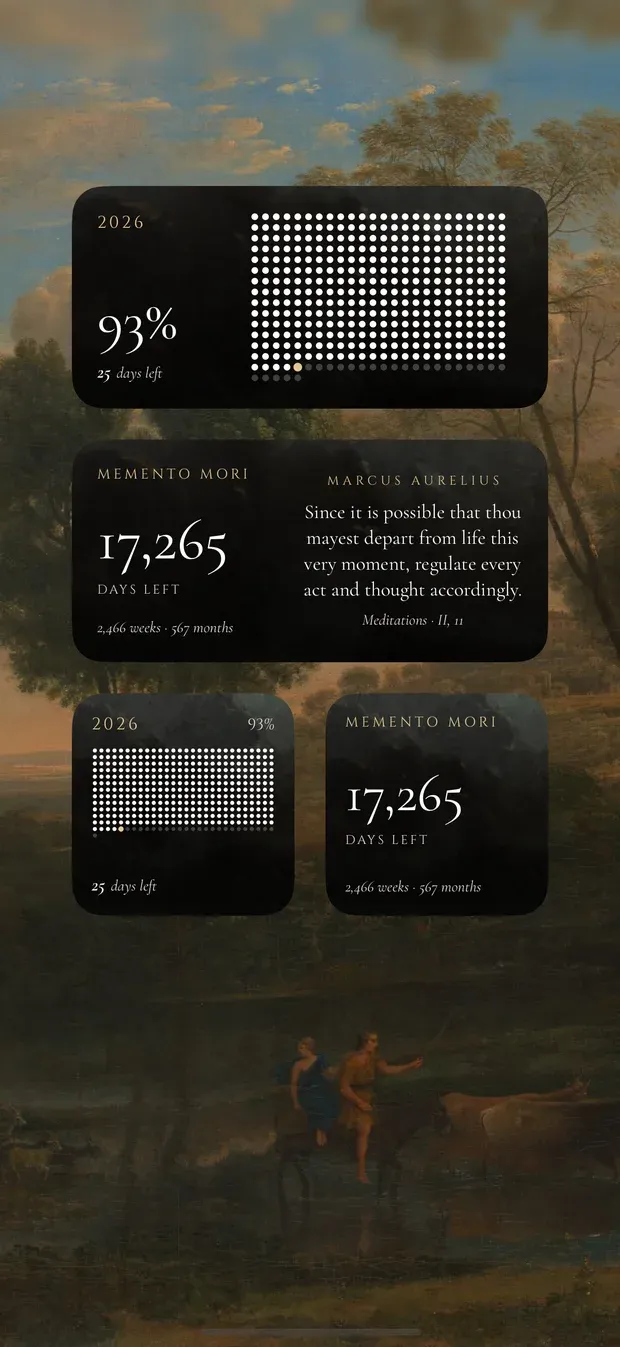
The day numbers, the dates and the collection in these screens were set up for the screenshots.
A short list of feelings — angry, anxious, afraid, putting it off, worried what others think — each opening a passage that speaks to it. Behind it, the passages are sorted into 17 topics, and the ones you tick feed the widget and the passages you swipe to.
Any passage can be shared as an image, in 9:16 for Stories and Reels, 4:5, square or 16:9, drawn in your stone and painting with its Nº and a small Marble mark. It goes out through the iOS share sheet.
No account, no server, no analytics, no ads and no third-party code. The passages and paintings are inside the app, so it needs no connection. Your collection, saved passages and settings sync between your devices through your own iCloud, and stay on the phone if iCloud is off. The daily reminder is off until you turn it on.