


One phone. Multiple spaces.
SideSpace: Multiple Accounts
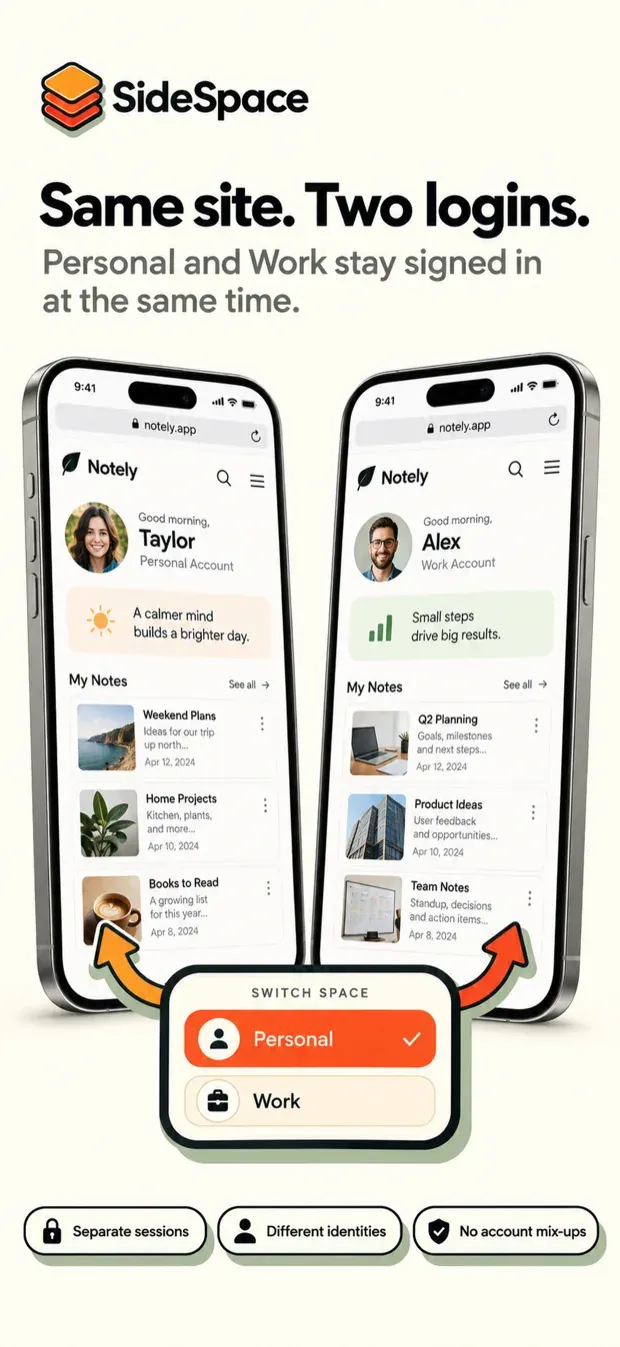
iOS keeps one signed-in session per website. If you have two accounts on the same service — a personal one and a work one, two shops, two of anything — you sign out and back in all day, or you use private browsing and lose the session every time you close the tab. Android answers this with dual apps and work profiles; iPhone has neither, and Safari profiles go only part of the way.
How to use multiple accounts on one iPhone covers every option, with SideSpace and without it, and the guides further down take it service by service.
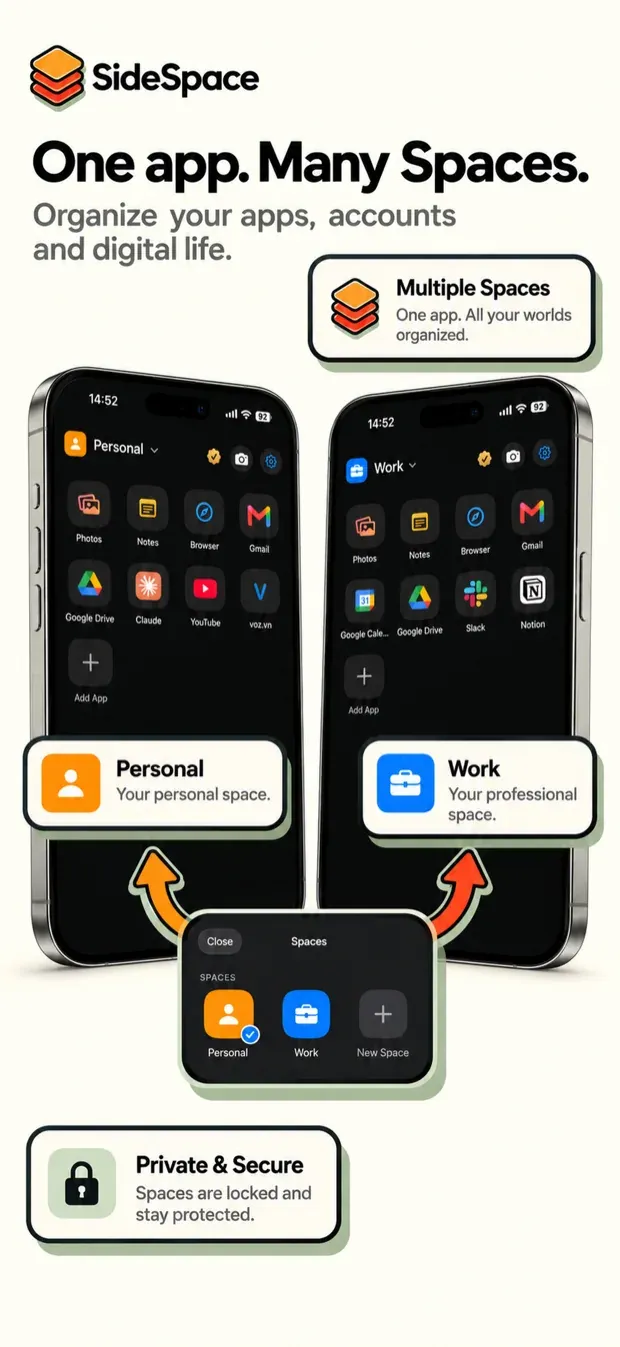
SideSpace gives you several separate environments on one iPhone instead. Each Space has its own web sessions, its own notes, its own photos, and its own lock.
It reached the App Store on 8 September 2026. iPhone only, iOS 17 and later.
What a Space holds
- Web sessions. Cookies and sign-ins belong to the Space, so switching Space switches every account at once. No signing out, no re-entering passwords.
- Pinned services, each opening straight to the account you signed into in that Space.
- A browser for everything else, with its own tabs and history.
- Notes.
- Photos and videos, kept inside the Space and never added to your Photos library, plus a camera that saves straight into whichever Space it was opened from.
A closer look
01 / 10
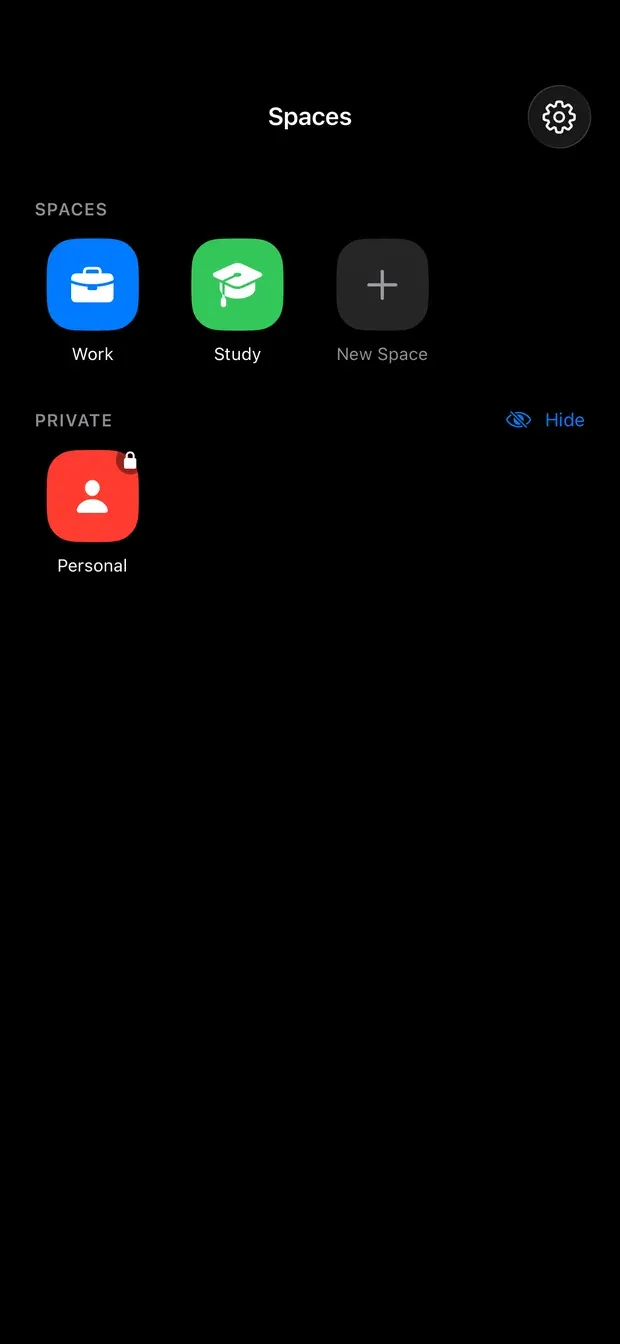
Spaces
Each Space is its own environment. Private ones sit apart, behind a lock.
02 / 10
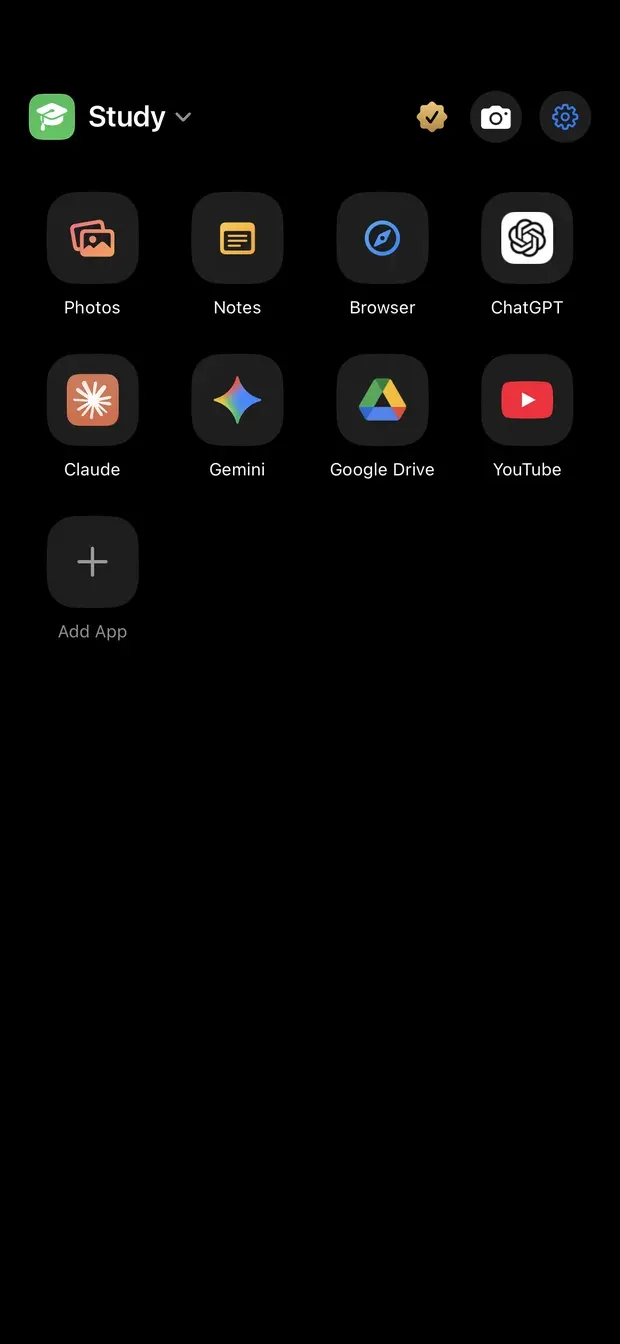
Inside a Space
Pinned services open straight to the account signed in to this Space.
03 / 10
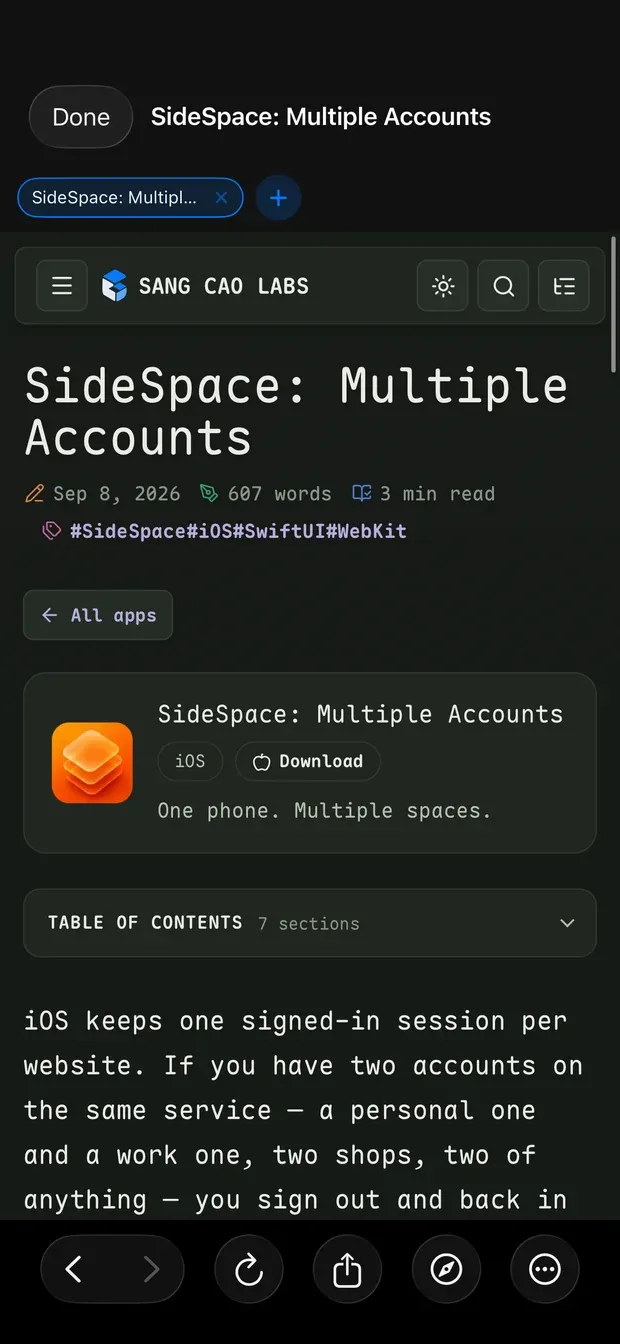
Browser
A browser for everything else, with its own tabs and history.
04 / 10
Notes
Notes stay with the Space they were written in.

05 / 10
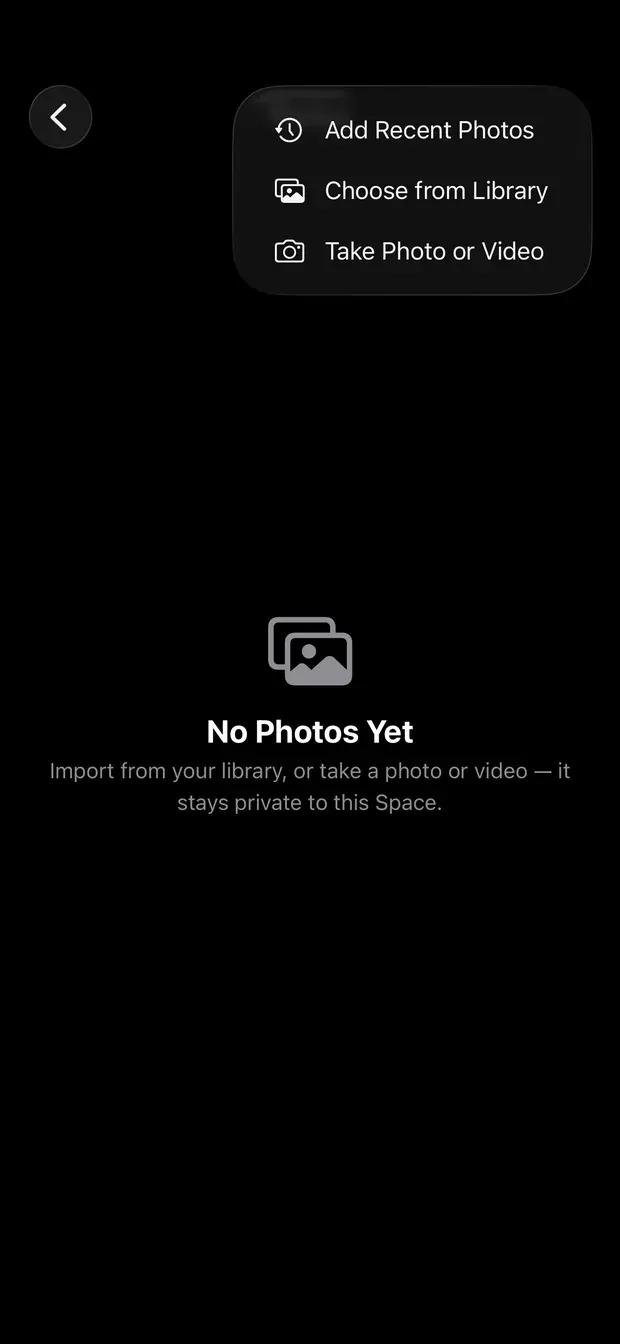
Photos
Photos and videos stay private to the Space, outside your Photos library.
06 / 10
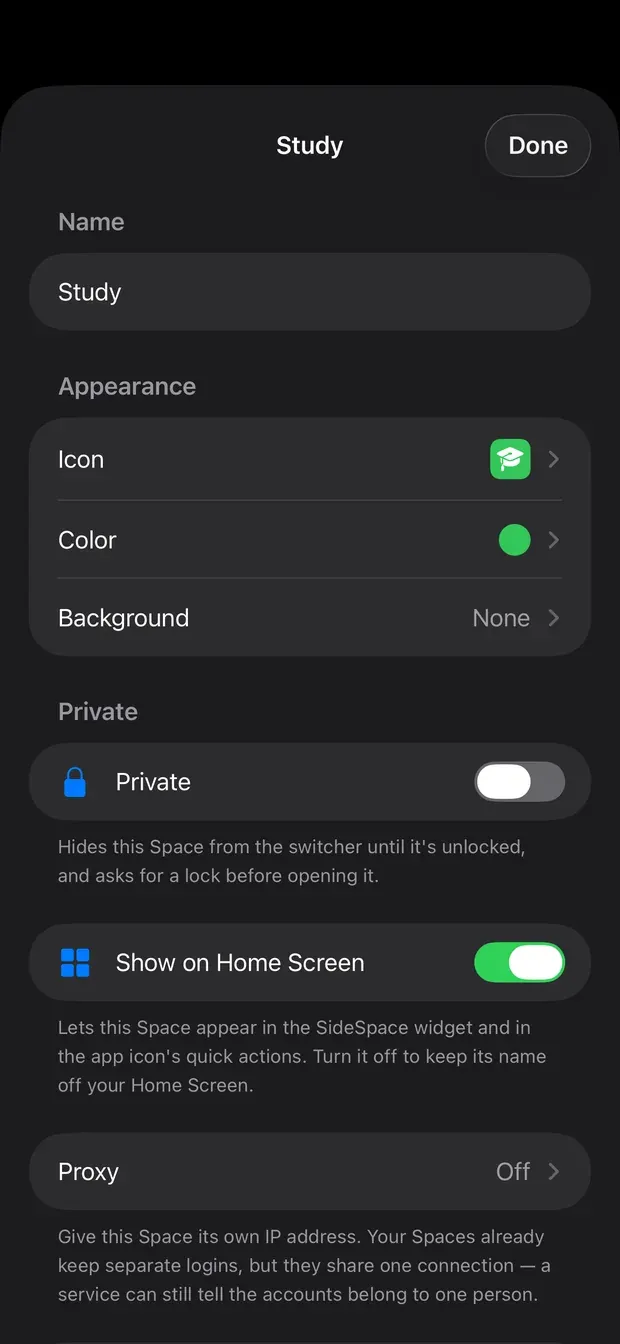
Space settings
Name, icon, colour, privacy and a proxy, set per Space.
07 / 10
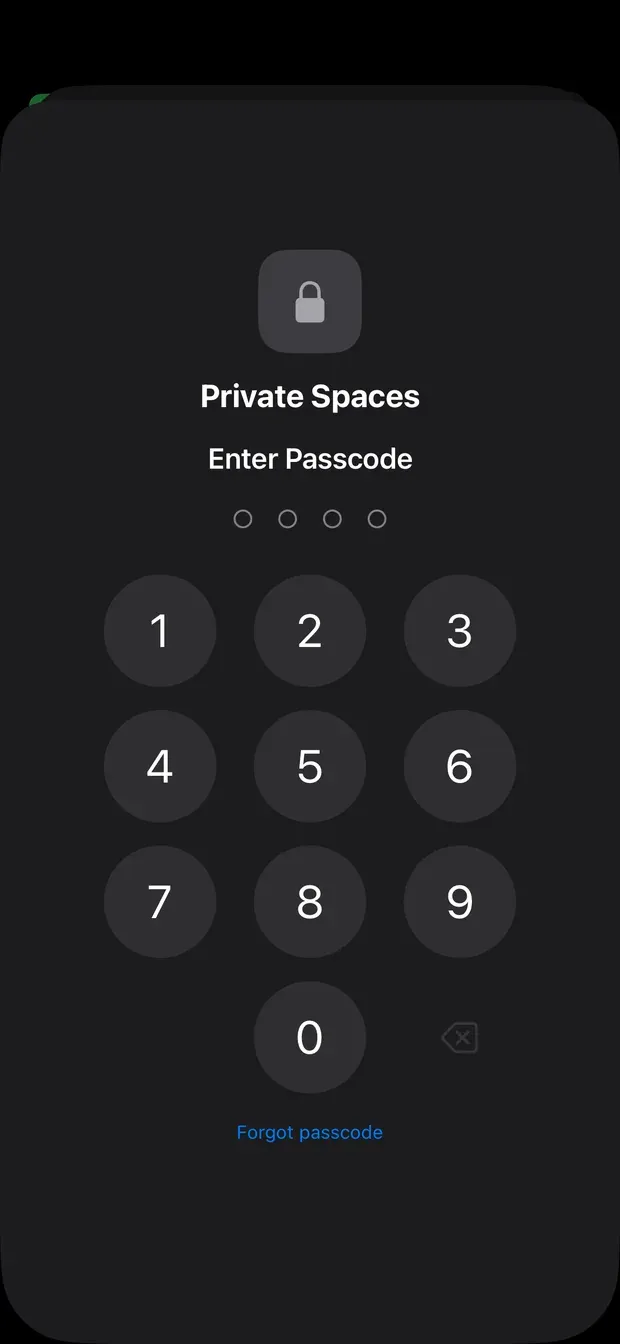
Private Spaces
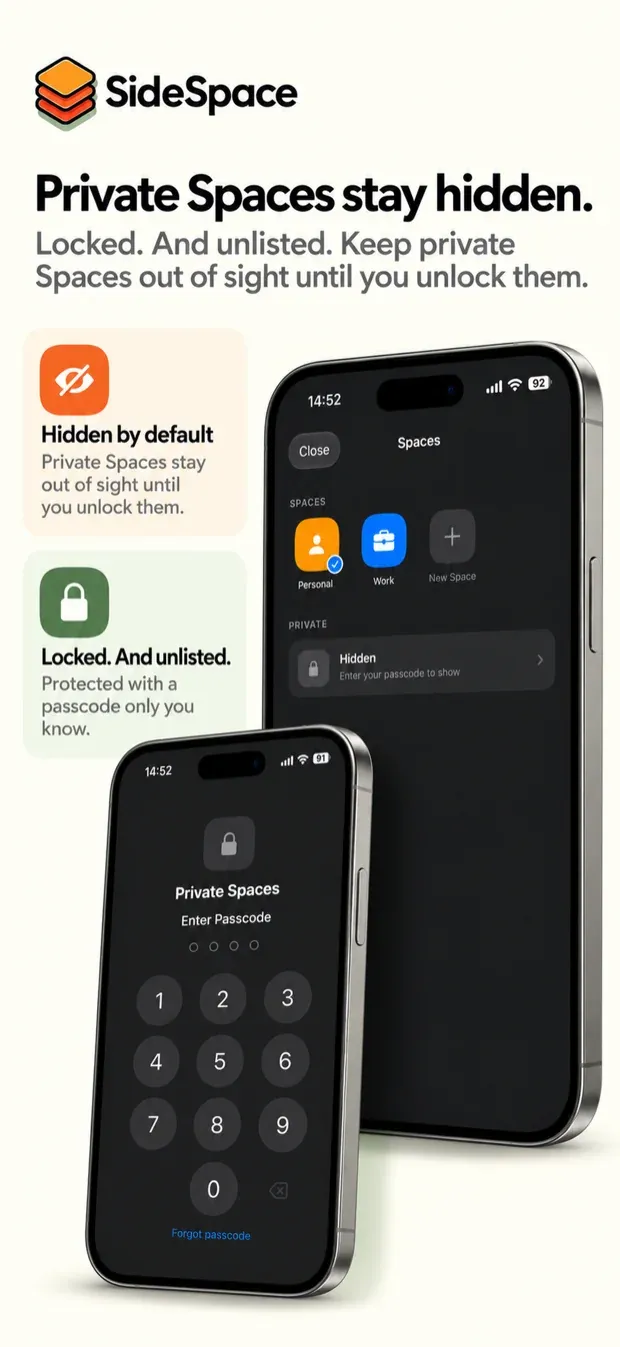
Private Spaces stay unlisted until the passcode is entered.
08 / 10
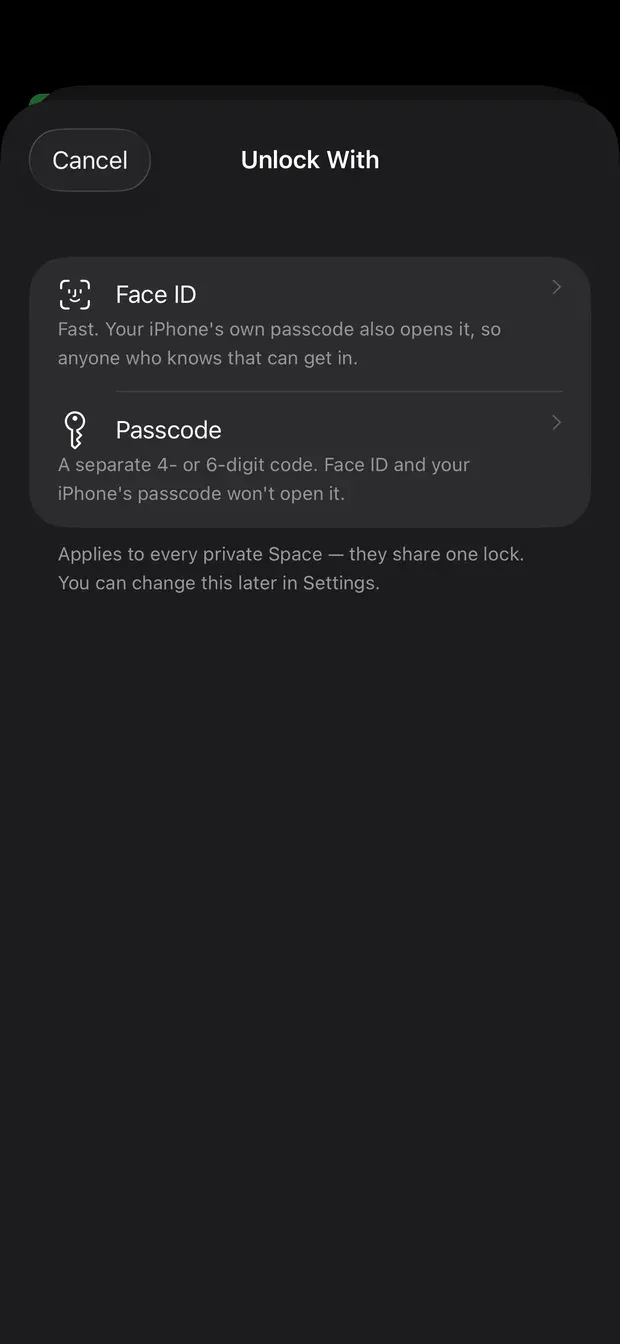
Unlock with
Face ID, or a passcode separate from your iPhone's own.
09 / 10
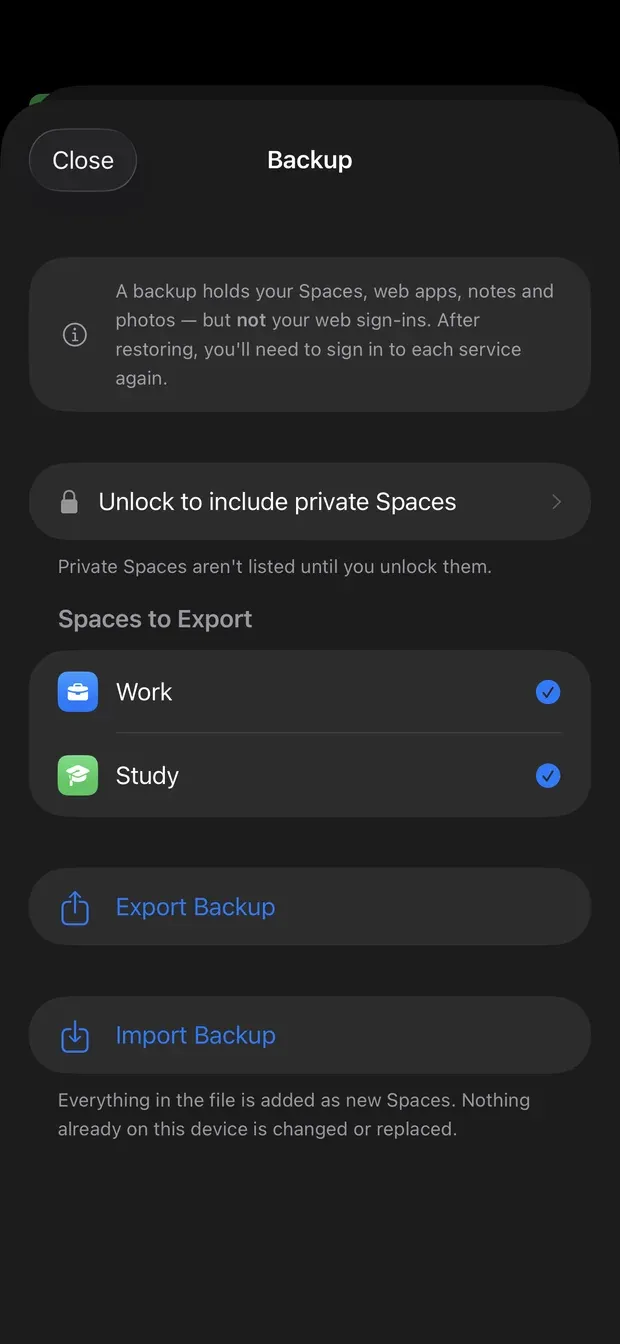
Backup
Export Spaces, notes and photos to a file you keep. Web sign-ins are not included.
10 / 10
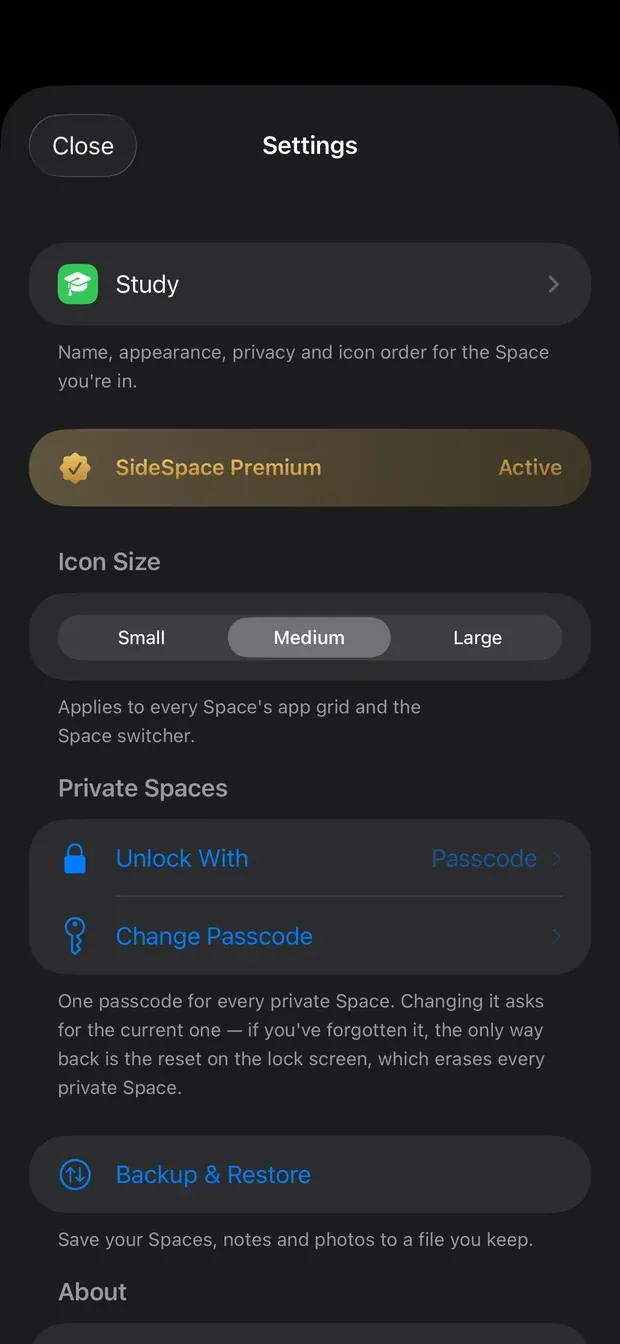
Settings
Icon size, the private Space lock and backups, in one place.
Private Spaces
A Space can be marked Private. Private Spaces are not listed at all until you unlock them — the names stay hidden, not only the contents — so handing someone your unlocked phone does not show them what you keep separate. Unlock with Face ID, or with a passcode separate from your iPhone’s own.
A proxy per Space
Spaces keep separate logins but share one connection. Point a Space at your own proxy and its web traffic leaves by its own route while the other Spaces are untouched.
You bring the proxy. SideSpace runs no servers and sells no bandwidth.
Your data stays on the phone
There is no account to create and no server to sync to. Everything a Space holds is stored on the device, and you can export a backup to a file whenever you want one.
What this is not
SideSpace runs services in isolated web sessions. It does not clone or modify any app, and it is not affiliated with, endorsed by or sponsored by any service you add to a Space.
Two honest limits that follow from that: web sign-ins are not included in a backup, and web push notifications are not available in a web session. If you need alerts from a service, keep its own app installed alongside.
Legal and support
Guides to multiple accounts on iPhone
Several accounts on one iPhone
Where to start — what iOS allows, every option side by side, and whether it is safe.
- How to stay signed in to two accounts on the same site on iPhoneKeep multiple logins on the same website on iPhone and stay signed in without logging out — four ways to do it, and where each one breaks.
- How to use multiple accounts on one iPhoneTwo or more accounts of the same service on one iPhone — built-in account switching, Safari profiles, second browsers and separate Spaces, and when each fits.
Browser sessions, cookies and profiles
Why one browser holds one login per site, and the ways to get separate sessions.
- Safari profiles on iPhone: what they separate and what they don'tSafari profiles give iPhone a second set of cookies, so you can be signed in twice. What each profile separates, what stays shared, and how to set one up.
Work and personal on one iPhone
iPhone has no work profile and no second user. What exists instead.
- How to separate work and personal on one iPhoneKeep work and personal apart on a single iPhone — Focus modes, account switching, separate browser sessions and Spaces — without carrying two phones.
- Is there a work profile on iPhone? What Apple offers insteadNo — iPhone has no Android-style work profile. What Apple offers on company and personal phones, and practical ways to keep work apart yourself.
- Can an iPhone have multiple users or profiles?iPhone has no multiple users or second profile. Why, what Safari profiles, Focus and Guided Access cover, and practical ways to share or split one iPhone.
Privacy and locking
Keeping some things private on a phone other people pick up.
- How to keep a private space on your iPhoneWhat iOS offers for a private, hidden space on iPhone — locked apps, the Hidden album, locked notes — and how a separate, unlisted Space keeps it together.
Clone apps and their alternatives
iPhone cannot run two copies of an app. What the "dual app" category does, and the browsers that isolate sessions.
- Dual Space and 2Accounts alternatives for iPhoneApps called Dual Space or 2Accounts promise cloned apps on iPhone. What they really do, what to check before subscribing, and what works instead.
- Parallel Space for iPhone: why there isn't one, and alternativesSeveral App Store apps are called Parallel Space and none of them clones an iPhone app. What they really do, what they charge, and what works instead.
- Psylo and VanBrowser alternatives: browser profiles on iPhonePsylo isolates every tab; VanBrowser gives each Persona its own cookies. How they compare with Safari profiles and SideSpace for separate accounts on iPhone.